• ×
    Information
    Need Windows 11 help?
    Check documents on compatibility, FAQs, upgrade information and available fixes.
    Windows 11 Support Center.
  • post a message
  • ×
    Information
    Need Windows 11 help?
    Check documents on compatibility, FAQs, upgrade information and available fixes.
    Windows 11 Support Center.
  • post a message
Guidelines
Seize the moment! nominate yourself or a tech enthusiast you admire & join the HP Community Experts!
Archived This topic has been archived. Information and links in this thread may no longer be available or relevant. If you have a question create a new topic by clicking here and select the appropriate board.

HP Recommended
Sprout Pro by HP (ENERGY STAR) sku=H0GM4PA
Microsoft Windows 10 (64-bit)
Hi all,
 
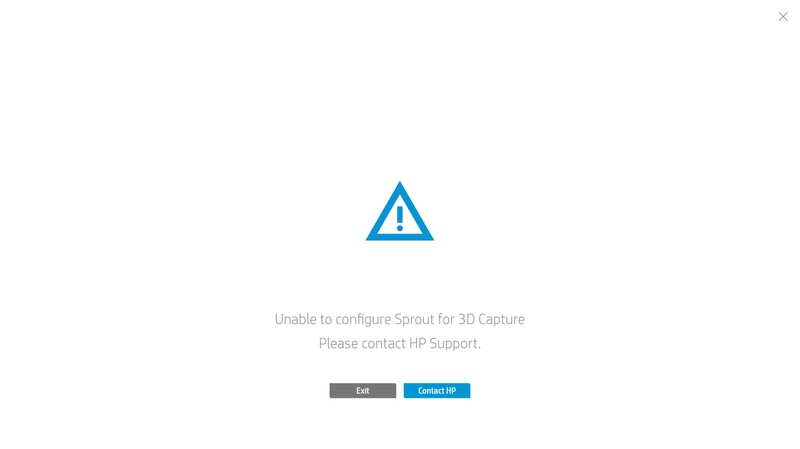
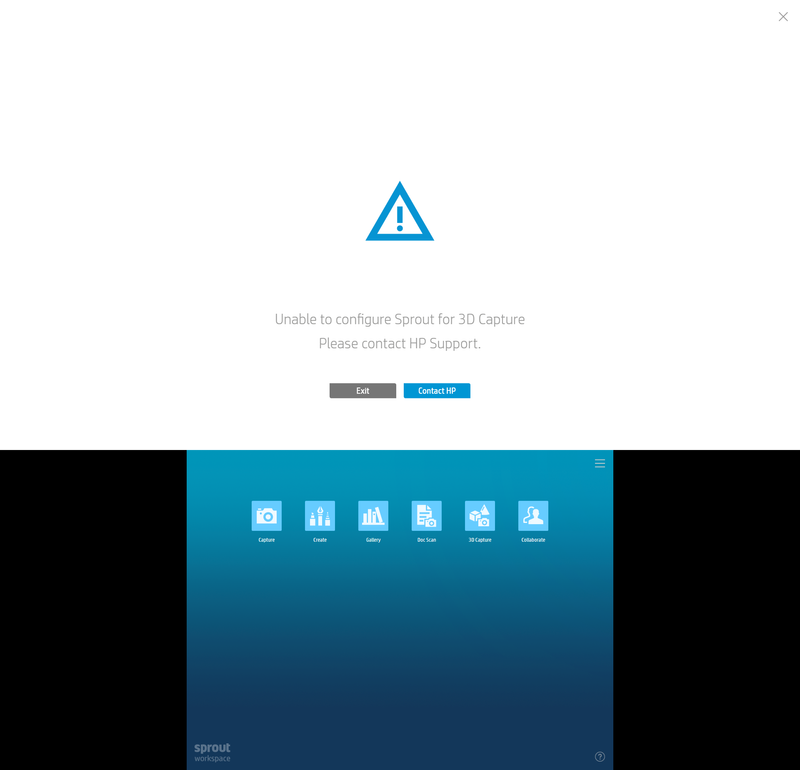
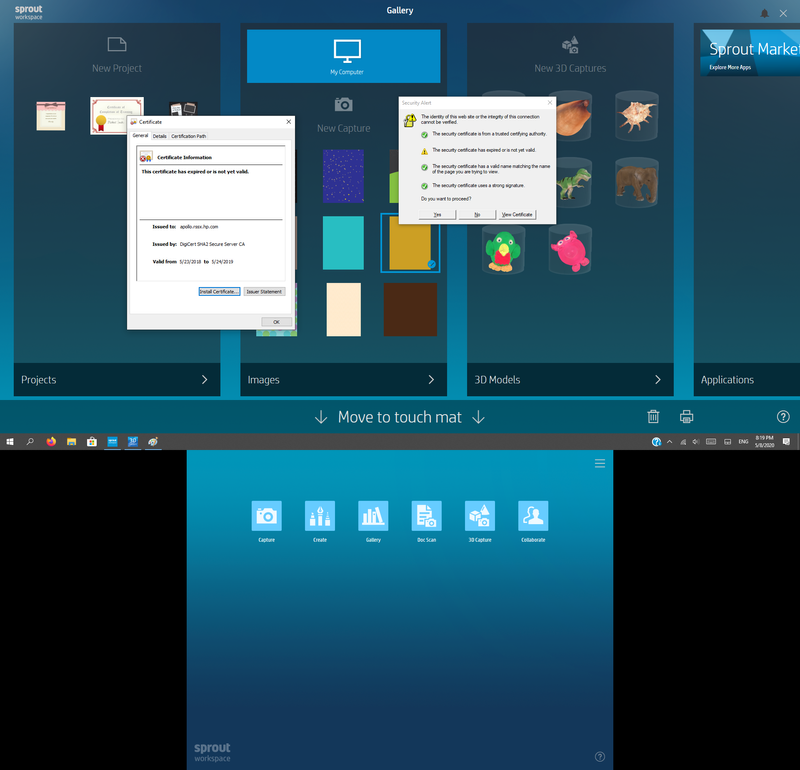
I suffer from problem which it is 3d capture doesn't work.I just keep getting 'unable to configure sprout for 3d capture'
Untitled.png
after following "http://h10032.www1.hp.com/ctg/Manual/c05027977" - which is "Sprout Pro by HP OS reinstallation" - step by step to reinstall Windows 10 pro 64bit.i installed windows and use "Driver - Sprout Pro by HP (ENERGY STAR) | sp74889.iso" to install drives and software and i following this link "https://support.hp.com/emea_middle_east-en/product/sprout-pro-by-hp/9027338/model/9027342?sku=H0GM4P..." to download last update and software which it is drivers you are sent to me
 
Unfortunately, i deleted hp recovey partition when i Followed the instructions "http://h10032.www1.hp.com/ctg/Manual/c05027977" and when I start sprout workspace it work fine with 2d camera and object detect but when start 3d capture,
I just keep getting 'unable to configure sprout for 3d capture'
5.png
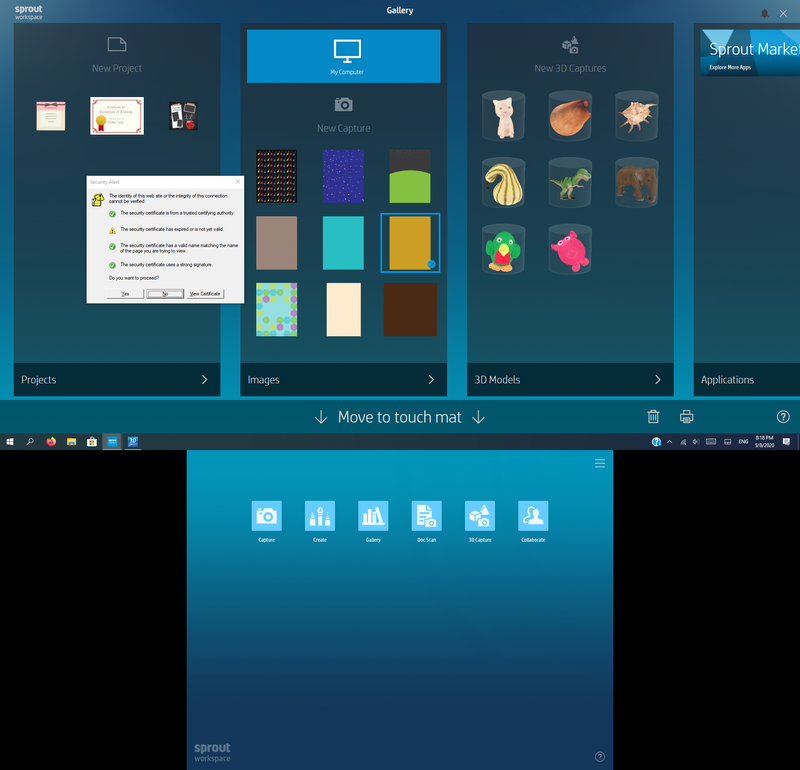
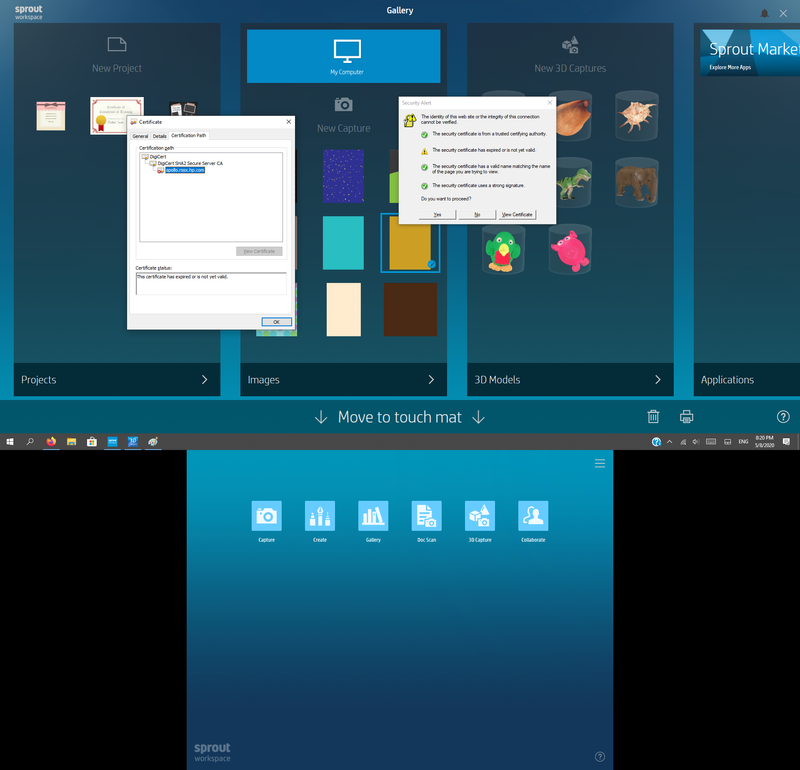
and security alert tell me "this certificate has expired or is not yet valid"
1.png
 
4.png
 
2.png
 
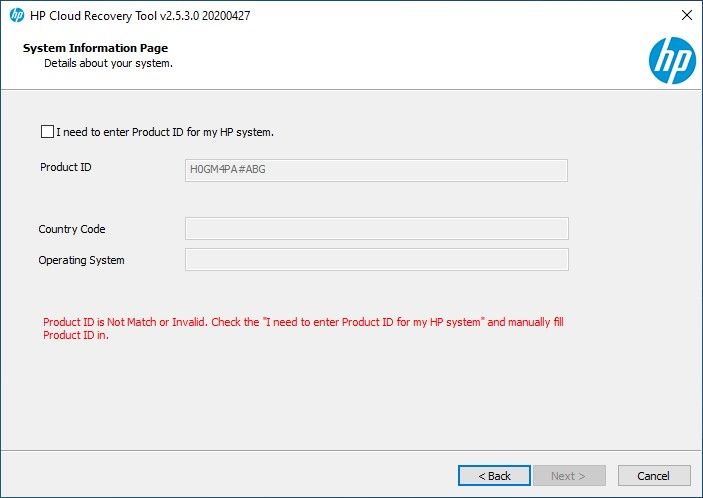
now I want guidance How can I Restore my hp recovery partition which i tried to download it by "hp cloud recovery tool" but it can not define my device
recovery.jpg
 
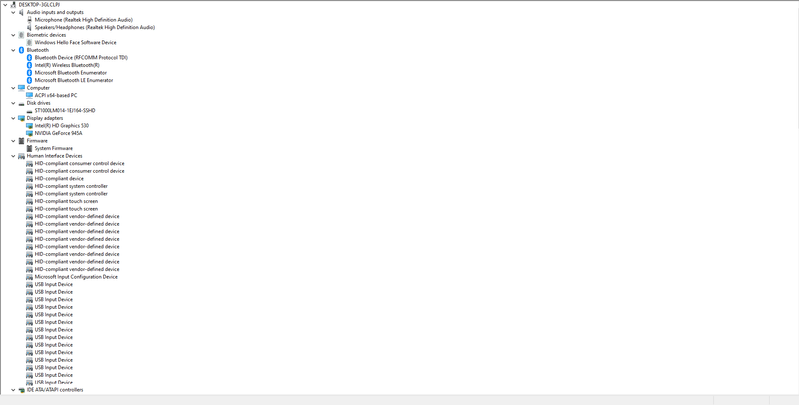
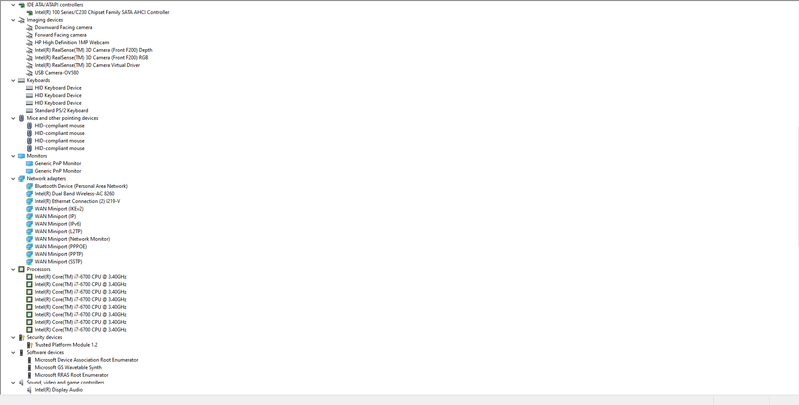
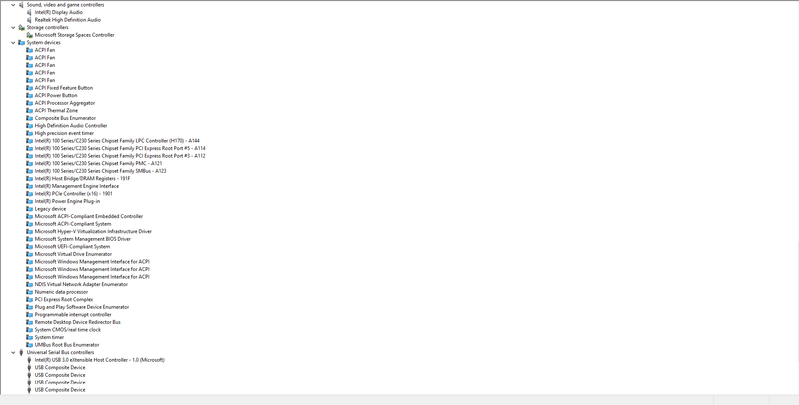
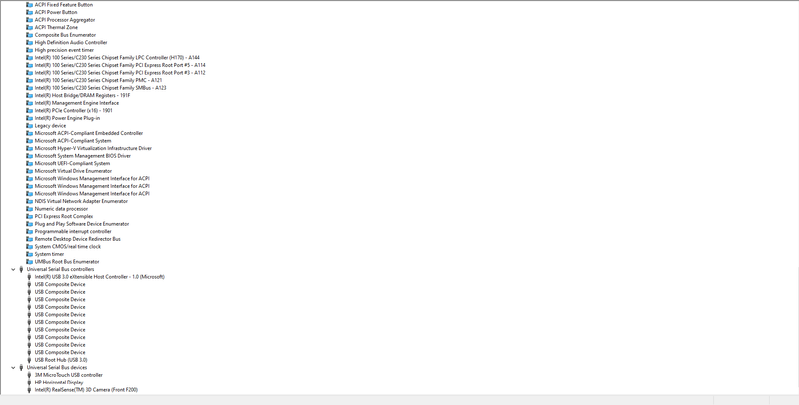
I have installed all devices and there isn't any yellow bangs in Device Manager
1.png
 
2.png
 
3.png
 
4.png
or any way to fix this issue
 
I installed last version of windows 10 pro 64bit 1909
 
i posted two posts here :
and no good answer
 
i read this post but don't where can i get hp usb
Archived This topic has been archived. Information and links in this thread may no longer be available or relevant. If you have a question create a new topic by clicking here and select the appropriate board.
† The opinions expressed above are the personal opinions of the authors, not of HP. By using this site, you accept the <a href="https://www8.hp.com/us/en/terms-of-use.html" class="udrlinesmall">Terms of Use</a> and <a href="/t5/custom/page/page-id/hp.rulespage" class="udrlinesmall"> Rules of Participation</a>.