
-
×InformationNeed Windows 11 help?Check documents on compatibility, FAQs, upgrade information and available fixes.
Windows 11 Support Center. -
-
×InformationNeed Windows 11 help?Check documents on compatibility, FAQs, upgrade information and available fixes.
Windows 11 Support Center. -
- HP Community
- Desktops
- Desktop Hardware and Upgrade Questions
- Pavilion 23 Long drive self test failure

Create an account on the HP Community to personalize your profile and ask a question
Your account also allows you to connect with HP support faster, access a personal dashboard to manage all of your devices in one place, view warranty information, case status and more.

It has been a while since anyone has replied. Simply ask a new question if you would like to start the discussion again.

05-09-2019 12:34 PM
 HP Recommended
Product: Pavilion 23- 23-g010
Operating System: Microsoft Windows 10 (64-bit)
My Pavilion 23 is getting a Long Drive Self test failure ID of GLG7VF-7B19L1-MFPM7F-619S03. What does this indicate? Does the disk need to be replaced and what is the procedure for doing that?
Solved! Go to Solution.
1 ACCEPTED SOLUTION
Accepted Solutions


05-09-2019 02:49 PM
HP Recommended
Hi:
The error code reported, Hard Disk 1 Full Test Failure, does mean that the hard drive needs to be replaced and the operating system reinstalled.
Below is the link to the service guide for your PC. You can find the HDD R & R procedure in this guide.
http://h10032.www1.hp.com/ctg/Manual/c04716083
After you replace the hard drive, you can reinstall W10 for free as follows...
You can make a W10 USB flash drive installer with the Microsoft Media Creation Tool, using an 8 GB flash drive using another Windows PC, if your PC is not working.
https://www.microsoft.com/en-us/software-download/windows10
If you are asked to enter a product key during the installation process, select the 'I don't have a product key' option, and W10 will install and automatically activate once you are connected to the internet.
Here are the steps to create the W10 USB flash drive installer...
Select Download tool now, and select Run.If you agree to the license terms, select Accept.
On the What do you want to do? page, select Create installation media for another PC, and then select Next.
Select the language, edition, and architecture (64-bit or 32-bit) for Windows 10. You want 64 bit.
Select which media you want to use:
USB flash drive. Plug in a blank USB flash drive with at least 8GB of space. Any content on the flash drive will be deleted.
After W10 installs, you can install the drivers and available software from your PC's support page.
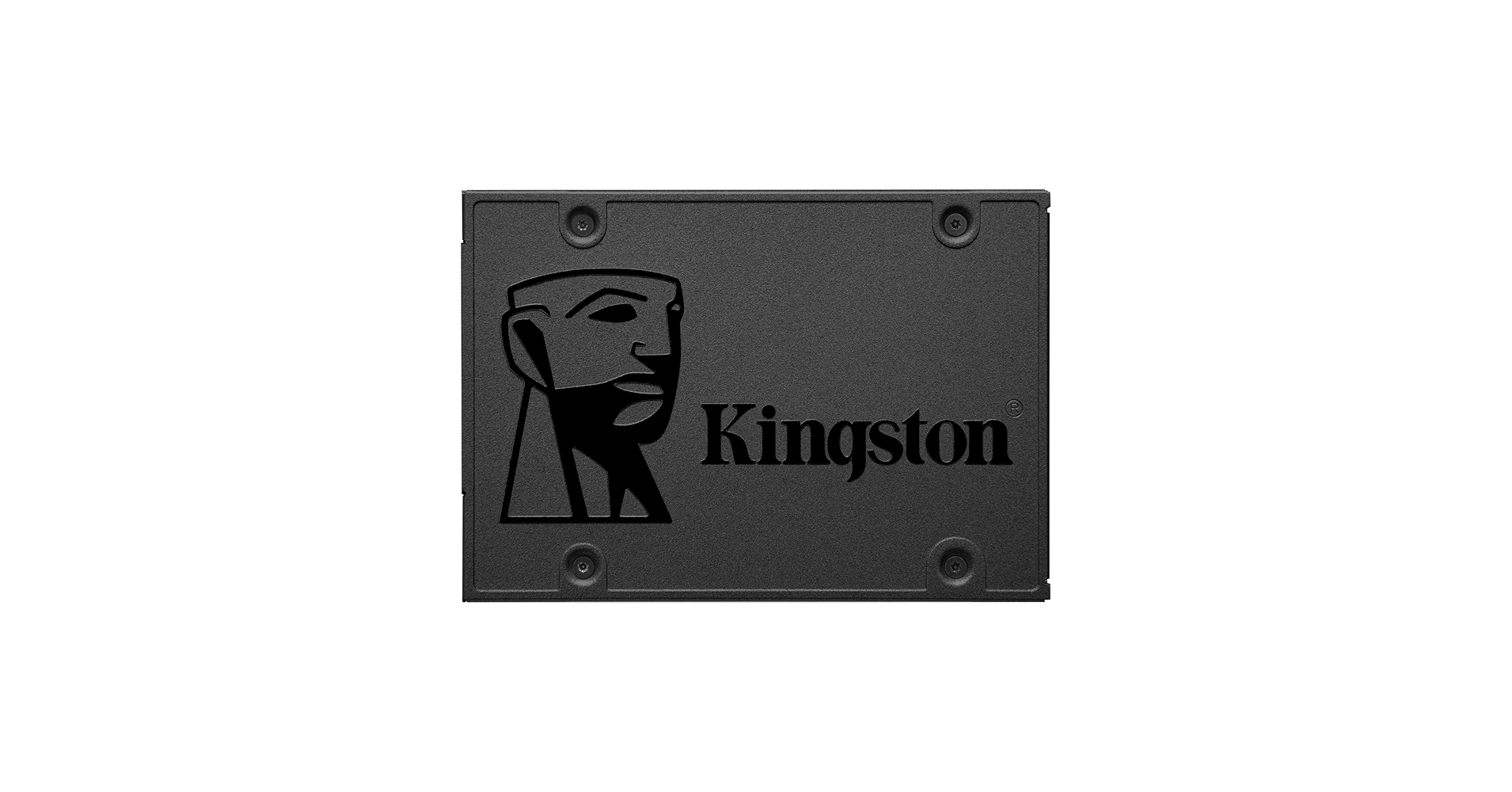
Incredible speeds plus rock-solid reliability - Kingston's A400 solid-state drive dramatically improves the responsiveness of your existing system with incredible boot, loading and file transfer times compared to mechanical hard drives. Powered by a latest gen controller for read and write speeds...
5 REPLIES 5
05-09-2019 02:49 PM
HP Recommended
Hi:
The error code reported, Hard Disk 1 Full Test Failure, does mean that the hard drive needs to be replaced and the operating system reinstalled.
Below is the link to the service guide for your PC. You can find the HDD R & R procedure in this guide.
http://h10032.www1.hp.com/ctg/Manual/c04716083
After you replace the hard drive, you can reinstall W10 for free as follows...
You can make a W10 USB flash drive installer with the Microsoft Media Creation Tool, using an 8 GB flash drive using another Windows PC, if your PC is not working.
https://www.microsoft.com/en-us/software-download/windows10
If you are asked to enter a product key during the installation process, select the 'I don't have a product key' option, and W10 will install and automatically activate once you are connected to the internet.
Here are the steps to create the W10 USB flash drive installer...
Select Download tool now, and select Run.If you agree to the license terms, select Accept.
On the What do you want to do? page, select Create installation media for another PC, and then select Next.
Select the language, edition, and architecture (64-bit or 32-bit) for Windows 10. You want 64 bit.
Select which media you want to use:
USB flash drive. Plug in a blank USB flash drive with at least 8GB of space. Any content on the flash drive will be deleted.
After W10 installs, you can install the drivers and available software from your PC's support page.
Incredible speeds plus rock-solid reliability - Kingston's A400 solid-state drive dramatically improves the responsiveness of your existing system with incredible boot, loading and file transfer times compared to mechanical hard drives. Powered by a latest gen controller for read and write speeds...
05-09-2019 06:44 PM
HP Recommended
Thanks for the rapid response. My problem now obtaining the correct replacement drive. My current drive is a 500gb St500dm002-1bd142. How and where do I get the correct replacement? I can't find it on the HP site.
Thanks
05-09-2019 06:59 PM
HP Recommended
You're very welcome.
You can purchase any quality 7,200 RPM hard drive you want up to 2 TB.
It doesn't have to be the HP labeled Seagate drive.
Youi may want to look into this popular model...

WD Blue internal hard drives deliver reliability for office and web applications. They are ideal for use as primary drives in desktop PCs and for office applications. With a range of capacities and cache sizes, there's a WD Blue internal hard drive that's just right for you.
05-10-2019 07:09 AM - edited 05-10-2019 07:12 AM
HP Recommended
Anytime.
Yes, it would be a great idea, but you will have to figure out what would be the best way to mount the 2.5" SSD in the 3.5" hard drive cage.
SSD's are better performing and normally more reliable than the type of hard drive that died on you.
They make many different kinds of 3.5" to 2.5" adapters, but the problem will be finding the right one that will work for your specific setup.
I can only share with you what model I bought, which seemed to be the most flexible contraption.
I used it on two entirely different PC's than yours.
Even with this adapter, I had to dremel off the thinner crossbar shown on the top of the illustration, so the power and data cables could connect to the SSD without putting upward pressure on the drive's connectors. The thin bar prevented the cables from going straight in to the drive, and put too much of a bend on both cables.
With that one minor modification to the adapter, it worked perfectly.
https://www.newegg.com/Product/Product.aspx?Item=N82E16817997037
Other folks just velcro or duct tape the SSD's to the cage somehow.
I wanted a better solution that that.
A recommended SSD for you would be this one. I have a few of the 240 GB models in some of my HP notebook and desktop PC's. The price has come down considerably since I bought them, making the 480 GB very affordable.

Be alert for scammers posting fake support phone numbers and/or email addresses on the community.
If you think you have received a fake HP Support message, please report it to us by clicking on "Flag Post".
† The opinions expressed above are the personal opinions of the authors, not of HP. By using this site, you accept the Terms of Use and Rules of Participation.


Didn't find what you were looking for?
Ask the community
† The opinions expressed above are the personal opinions of the authors, not of HP. By using this site, you accept the <a href="https://www8.hp.com/us/en/terms-of-use.html" class="udrlinesmall">Terms of Use</a> and <a href="/t5/custom/page/page-id/hp.rulespage" class="udrlinesmall"> Rules of Participation</a>.