
-
×InformationNeed Windows 11 help?Check documents on compatibility, FAQs, upgrade information and available fixes.
Windows 11 Support Center. -
-
×InformationNeed Windows 11 help?Check documents on compatibility, FAQs, upgrade information and available fixes.
Windows 11 Support Center. -
- HP Community
- Notebooks
- Notebook Operating System and Recovery
- Re: Recovery Envirometn Troubleshooting

Create an account on the HP Community to personalize your profile and ask a question
Your account also allows you to connect with HP support faster, access a personal dashboard to manage all of your devices in one place, view warranty information, case status and more.
Check out our WINDOWS 11 Support Center info about: OPTIMIZATION, KNOWN ISSUES, FAQs, VIDEOS AND MORE.

It has been a while since anyone has replied. Simply ask a new question if you would like to start the discussion again.

11-21-2021 05:36 AM
 HP Recommended
Product: HP Omen 15ce007nv
Operating System: Microsoft Windows 10 (64-bit)
Hello everyone,
I have an Omen 15-ce007nv and I wont to do a recovery from the the HP recovery manager. But the windows recovery enviroment says that it's disbled after the windows update. What actions can I do in order to enabled it and recover my laptop to factory reset?
Thank you in advance
Solved! Go to Solution.
1 ACCEPTED SOLUTION
Accepted Solutions


11-21-2021 06:26 AM
HP Recommended
Hi,
I believe certain updates actually make the recovery not possible.
You can create a bootable USB Drive using HP cloud recovery and take the machine back to factory settings. You can create the USB drive on a different PC
https://support.hp.com/us-en/document/c06162205
You could also download the Media creation tool from Microsoft and create a bootable USB drive with Windows 10 on it.
https://www.microsoft.com/en-us/software-download/windows10
and then install any needed drivers
https://support.hp.com/us-en/product/omen-by-hp-15-ce000-laptop-pc-series/15551437/model/16901845
Hope it helps,
David
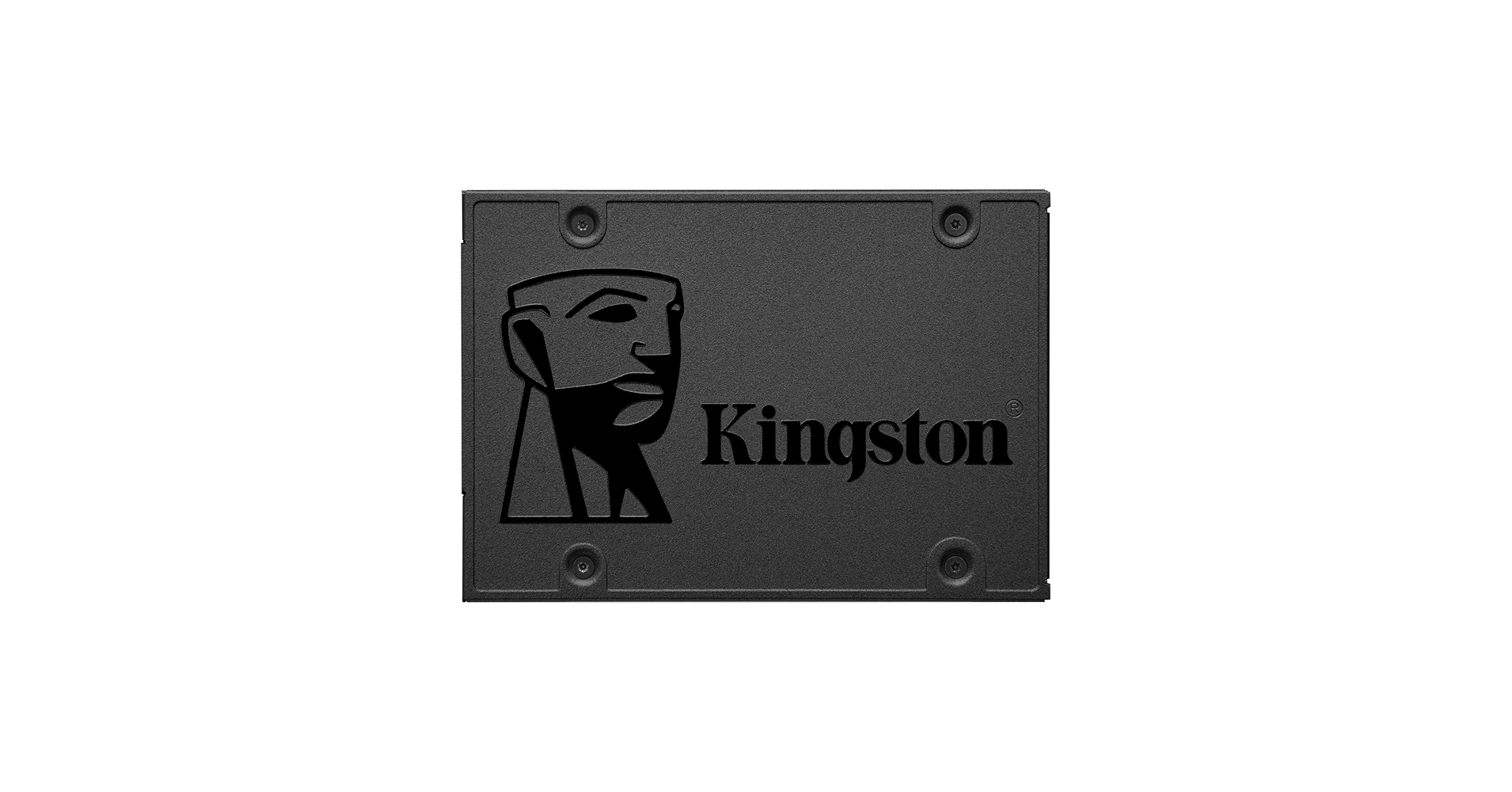
Incredible speeds plus rock-solid reliability - Kingston's A400 solid-state drive dramatically improves the responsiveness of your existing system with incredible boot, loading and file transfer times compared to mechanical hard drives. Powered by a latest gen controller for read and write speeds...
6 REPLIES 6
11-21-2021 06:26 AM
HP Recommended
Hi,
I believe certain updates actually make the recovery not possible.
You can create a bootable USB Drive using HP cloud recovery and take the machine back to factory settings. You can create the USB drive on a different PC
https://support.hp.com/us-en/document/c06162205
You could also download the Media creation tool from Microsoft and create a bootable USB drive with Windows 10 on it.
https://www.microsoft.com/en-us/software-download/windows10
and then install any needed drivers
https://support.hp.com/us-en/product/omen-by-hp-15-ce000-laptop-pc-series/15551437/model/16901845
Hope it helps,
David
Incredible speeds plus rock-solid reliability - Kingston's A400 solid-state drive dramatically improves the responsiveness of your existing system with incredible boot, loading and file transfer times compared to mechanical hard drives. Powered by a latest gen controller for read and write speeds...

11-21-2021 06:39 AM
HP Recommended
Probably you have 2 Recovery partitions now. 1xWindows + 1x HP
Run cmd (admin) and type
reagentc /info
now you see if the WIN-Recovery is enabled or not. If not, type:
reagentc /enable
The HP-Recovery contains probably just an install.wim and what you get is an old Windows 10 and you loose everything on your C-Drive! I always delete this partition when I see that. So be happy that it doesn't work.
You have to learn first how to use a Backup&Recovery-Program. (ex. Macrium Reflect)
Right now Win 19044.1381 is the last updated version.
Run cmd (admin) and run these 2 commands
DISM.exe /Online /Cleanup-image /Restorehealth
sfc /scannow
11-21-2021 06:59 AM
HP Recommended
Hello VH2000,
Thank you for your input. But from what I understand the 2 commands you are proposing is in order to find if there are any issues with my Disk. I want to do a recovery in order to create a clean clone of my windows to my new SSD disk in order to upgrade my laptops disk.
Right now I am trying to free space from my C:/ in order to reset my pc from th recovery of my windows or use the HP cloud recovery as Iomare suggested.
11-21-2021 07:02 AM
HP Recommended
Hi
Personally, I would perform a clean install of the OS on the SSD and then let Windows completely update. It will find most of the needed drivers. You can then find the rest and software from your machine's product page under drivers and software.
I mean you can even try it. The installation will take about 30 min.
You can download it directly from Microsoft.
regards,
David
11-21-2021 07:07 AM
HP Recommended
Honestly thank you both (Iomare and VH2000) for taking the time to help me.
I will do a clean installation of the windows.
I will create a bootable USB drive with Windows 10 on it from here (As you suggested)
Incredible speeds plus rock-solid reliability - Kingston's A400 solid-state drive dramatically improves the responsiveness of your existing system with incredible boot, loading and file transfer times compared to mechanical hard drives. Powered by a latest gen controller for read and write speeds...

Be alert for scammers posting fake support phone numbers and/or email addresses on the community.
If you think you have received a fake HP Support message, please report it to us by clicking on "Flag Post".
† The opinions expressed above are the personal opinions of the authors, not of HP. By using this site, you accept the Terms of Use and Rules of Participation.


Didn't find what you were looking for?
Ask the community
† The opinions expressed above are the personal opinions of the authors, not of HP. By using this site, you accept the <a href="https://www8.hp.com/us/en/terms-of-use.html" class="udrlinesmall">Terms of Use</a> and <a href="/t5/custom/page/page-id/hp.rulespage" class="udrlinesmall"> Rules of Participation</a>.