Sorry, there was an error with your nomination, please try again.
Required fields can't be empty, please try again.
Create an account on the HP Community to personalize your profile and ask a question
Your account also allows you to connect with HP support faster, access a personal dashboard to manage all of your devices in one place, view warranty information, case status and more.
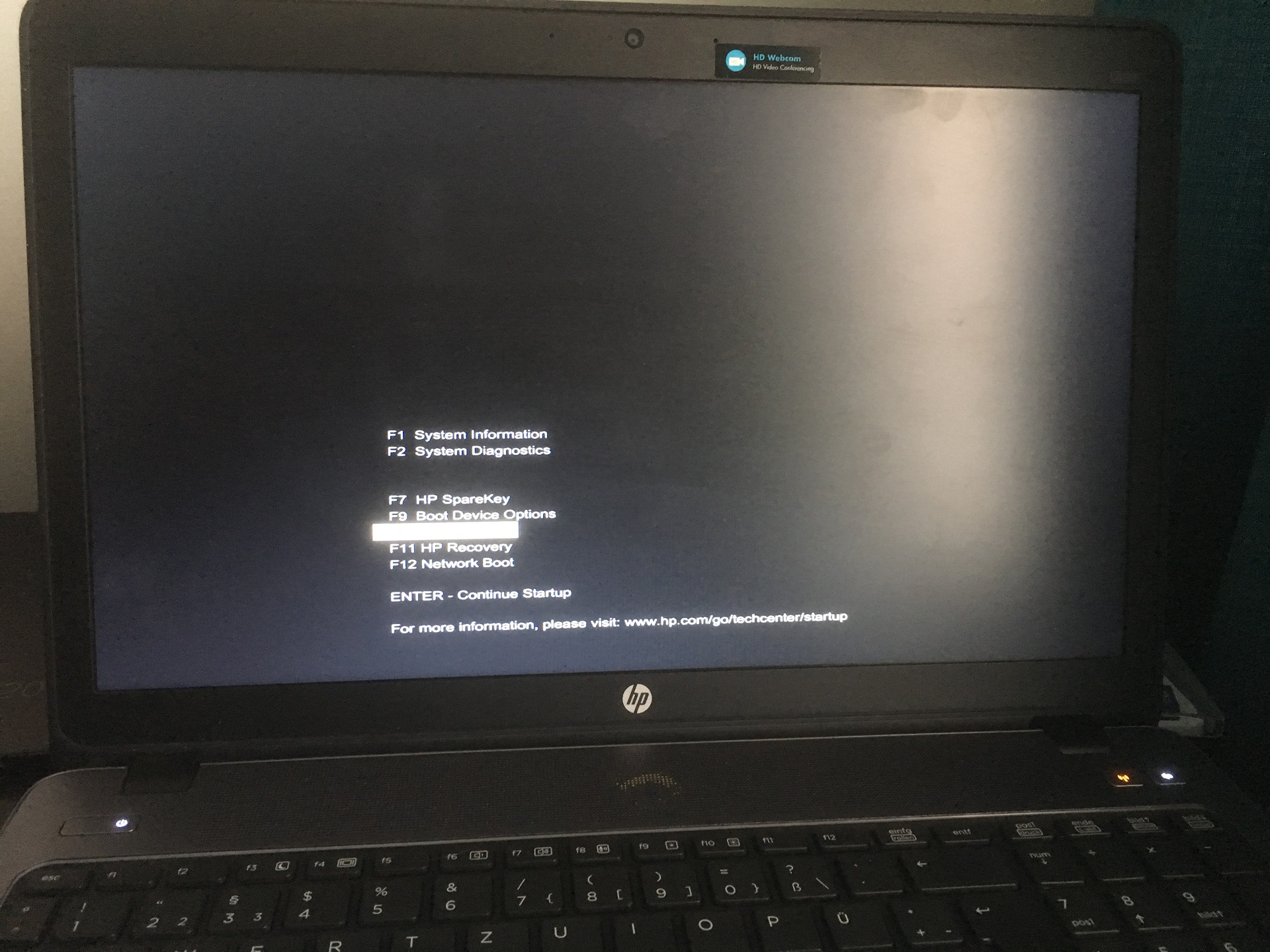
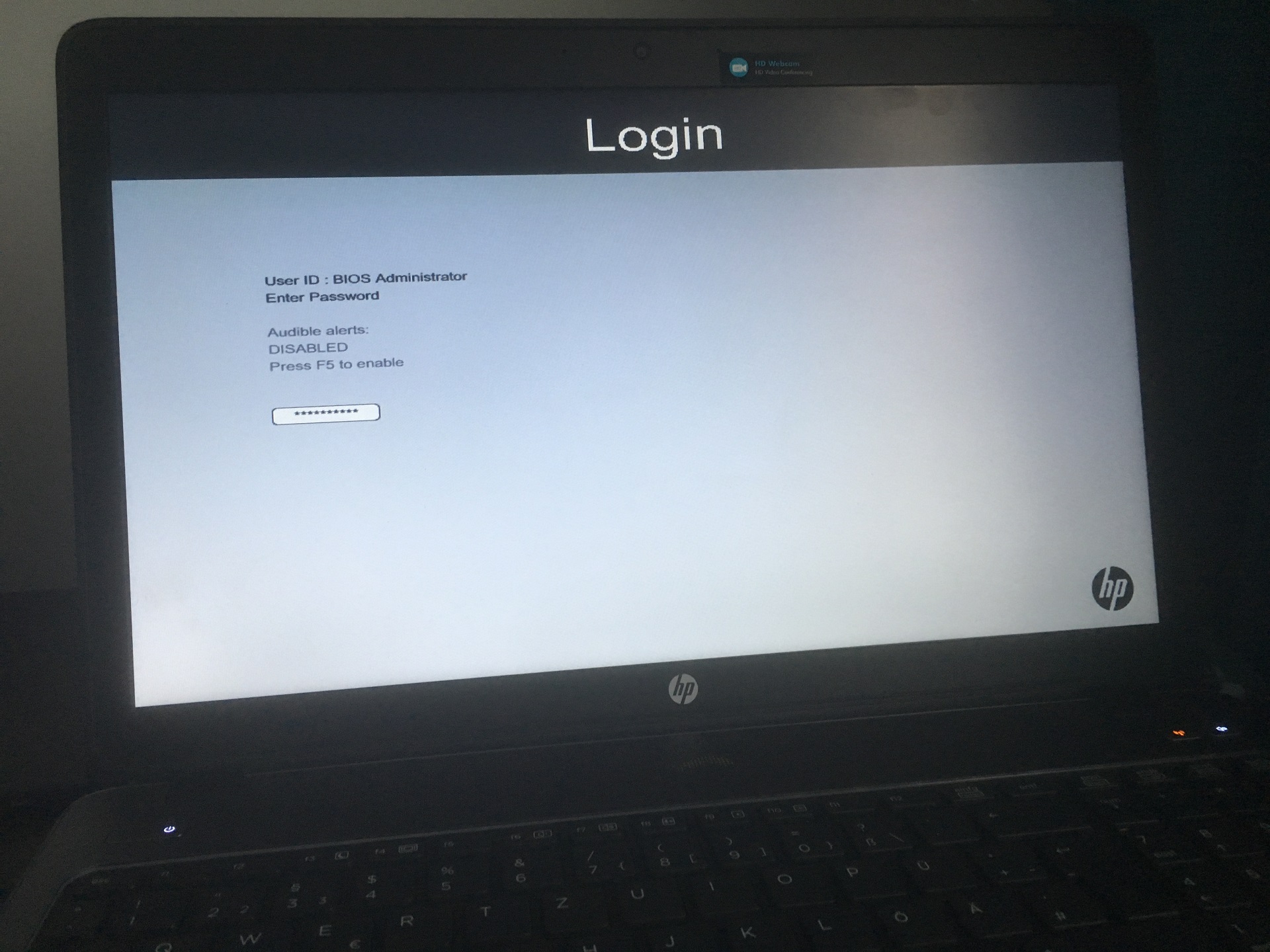
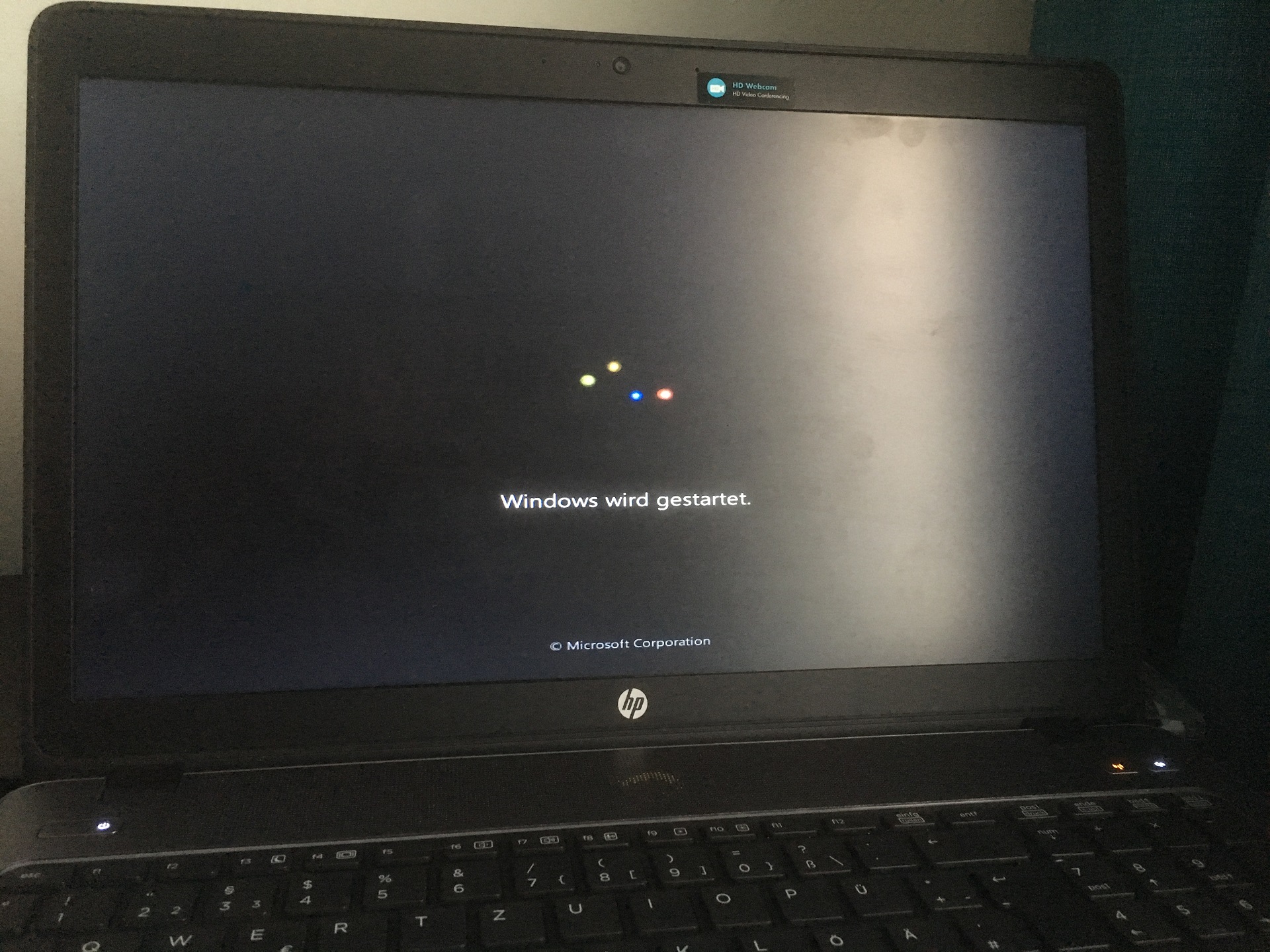
I dont have access to the BIOS. When I press F7 nothing happens. With the HP SpareKey Option I can select the Users and log in with the BIOS Password, then Windows starts. But the first login prompt is the UEFI not the normal Windows Login Screen.
What happens Before: I run the WSUS Offline Update on 8-9 Machines. On three of the Laptops the same Error as mentioned above happened. The Solution was to run a small System Check through the UEFI.
On these 2 Machines that Solution not worked. I possibly made then diverse false changes in the BIOS and this brings me to that Problem.
A Solution in this Forum that worked was the CMOS Battery Reset. The Warranty of the Laptops is expired and as in the Service and Maintainance Guid mentioned i would have to remove a lot of Parts including the System Board to get through the CMOS-Battery. Maybe there is a other Solution for this.