• ×
    Information
    Need Windows 11 help?
    Check documents on compatibility, FAQs, upgrade information and available fixes.
    Windows 11 Support Center.
  • post a message
  • ×
    Information
    Need Windows 11 help?
    Check documents on compatibility, FAQs, upgrade information and available fixes.
    Windows 11 Support Center.
  • post a message
Guidelines
Seize the moment! nominate yourself or a tech enthusiast you admire & join the HP Community Experts!
Common problems for INSTANT INK, HP+ PLANS: INK AND TONER
We would like to share some of the most frequently asked questions about Instant Ink. Check out this link: HP INSTANT INK, HP+ PLANS: INK AND TONER. .
HP Recommended

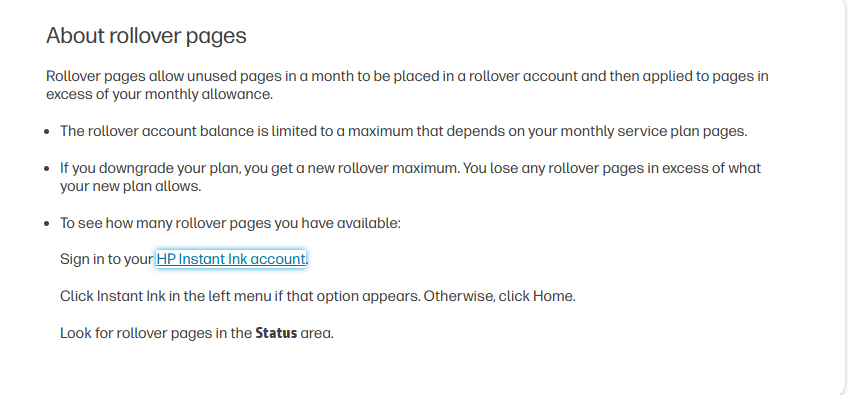
How many pages rollover each month? If I have the basic 10 pages per month and I don’t use them, do all 10 pages rollover to the next month? And let’s say if I don’t print anything the following month, will 20 pages now rollover

1 REPLY 1
HP Recommended

Hi @RobG123,


Welcome to HP Support Community.


Thank you for posting your query, I will be glad to help you.


Once the plan is changed the rollover pages change according to the New Plan 


Please refer to this Document:  Instant Ink account management (How are pages counted for Instant Ink?)
 

In the HP Instant Ink program, the rollover pages depend on your plan, but there are limits on how many unused pages can roll over. Here's how it works:

Basic Plan (10 pages/month):

  1. Rollover Limit: You can roll over up to 30 unused pages at any time.
  2. Rollover Example:
    • If you don’t use your 10 pages in the first month, all 10 pages roll over to the next month.
    • In the second month, you now have 20 pages available (10 from the current month + 10 from the previous month).
    • If you don’t print anything in the second month, only 30 pages in total can be carried into the next month, since that's the rollover limit.

Key Points:

  • Unused Pages Rollover: Yes, but capped at 3 times your monthly allowance (for the Basic plan, that's 30 pages).
  • Pages Beyond the Limit: Any pages beyond the rollover cap will expire and won't be carried forward.
  • Rollover Usage: Rolled-over pages are used only after you've used your monthly allowance.

Have a great day ahead!

Gaya1239 

HP Support


A_Gayathri
HP Support Community Administrator.
† The opinions expressed above are the personal opinions of the authors, not of HP. By using this site, you accept the <a href="https://www8.hp.com/us/en/terms-of-use.html" class="udrlinesmall">Terms of Use</a> and <a href="/t5/custom/page/page-id/hp.rulespage" class="udrlinesmall"> Rules of Participation</a>.