-
×InformationNeed Windows 11 help?Check documents on compatibility, FAQs, upgrade information and available fixes.
Windows 11 Support Center. -

-
×InformationNeed Windows 11 help?Check documents on compatibility, FAQs, upgrade information and available fixes.
Windows 11 Support Center. -
- HP Community
- Apps, Services & Software
- RGS
- Unable to Connect to Sender

Create an account on the HP Community to personalize your profile and ask a question
03-30-2020 06:12 PM
I have problems connecting to the RGS Sender remotely.
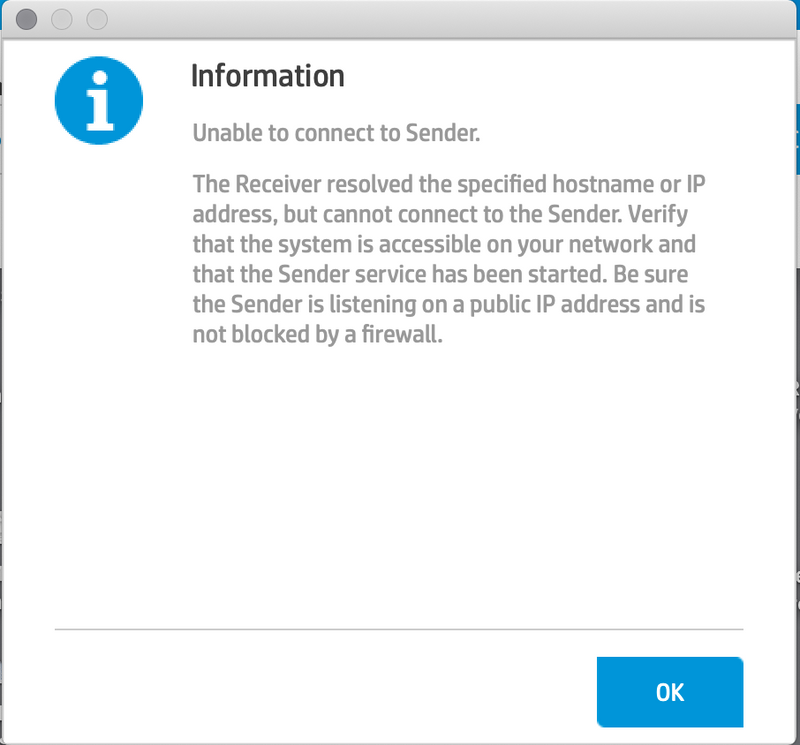
When I am on my office network the connection works, but when we try to access it remotely from outside the office, I get the following error message.
I have gone through the troubleshooting on the remote user guide and it seems like everything is set correctly.
04-06-2020 08:39 AM
I'm getting the same error message.
I am setting this up for remote users and am already on the local network here. Unlike OP - I am unable to connect while even at the office.
I have gone through the troubleshooting on the guide and checked the information in the window.
When I check the logs I see it says:
04-06-20 09:37:41 12160(14128) INFO - ConnectThread::run: Authentication failed or was cancelled.
Not sure how to proceed. Any thoughts?
04-08-2020 03:28 PM
I've been seeing a similar issue with a lot of our users that are currently working from home. They *are* connected via VPN and *can* ping the workstation. However, RGS refuses to connect.
When this happens I've found that I can still connect using different VNC client/server software that we use for remote administration. Connecting this way I can see the user is still logged in but locked. Clicking "Switch User" will bring up a login prompt and suddenly RGS is working again.
The odd thing is, I can't find anything in the logs re: the first attempt to connect. It's almost as if the RGS Sender isn't running at all, and needs a 'nudge' to wake it back up.