
-
×InformationNeed Windows 11 help?Check documents on compatibility, FAQs, upgrade information and available fixes.
Windows 11 Support Center. -
-
×InformationNeed Windows 11 help?Check documents on compatibility, FAQs, upgrade information and available fixes.
Windows 11 Support Center. -
- HP Community
- Notebooks
- Notebook Hardware and Upgrade Questions
- Re: HP Spectre x360 dies when unplugged

Create an account on the HP Community to personalize your profile and ask a question
Your account also allows you to connect with HP support faster, access a personal dashboard to manage all of your devices in one place, view warranty information, case status and more.
Common problems for Battery
We would like to share some of the most frequently asked questions about: Battery Reports, Hold a charge, Test and Calibrating Battery . Check out this link: Is your notebook plugged in and not charging?

It has been a while since anyone has replied. Simply ask a new question if you would like to start the discussion again.

10-16-2018 08:22 AM
 HP Recommended
Product: HP Spectre x360
Operating System: Microsoft Windows 10 (32-bit)
Big picture problem: laptop dies when unplugged.
I have:
- removed the battery, drained the capacitors and tried to reset.
- updated bios
-reinstalled battery drivers
-performed battery & AC adapter tests: both show PASSED
Other details:
- shows 100% charge, but dies when unplugged
- when battery is removed but plugged in, the laptop functions normally
Please let me know what else I can do. Thanks.
16 REPLIES 16


10-16-2018 08:45 AM
HP Recommended
Plug in the power adapter and press the power button.
Immediately start tapping the F2 key to invoke the HP PC Hardware Diagnostics UEFI Utility.
Select Component tests and then battery tests. Run the test.
There is also a battery test in the HP Suport Assistant that you could use as an alternative that will provide the same result
Post your result here.
Is your notebook still in the free factory one year warranty period?
Warranty check
https://support.hp.com/bg-en/checkwarranty
I am a volunteer forum member. If my suggestion helped you solve your issue, help others by marking that post as the accepted solution. Say thanks by clicking on the Yes button next to the "was this reply helpful?"


10-17-2018 03:16 AM - edited 10-17-2018 03:18 AM
HP Recommended
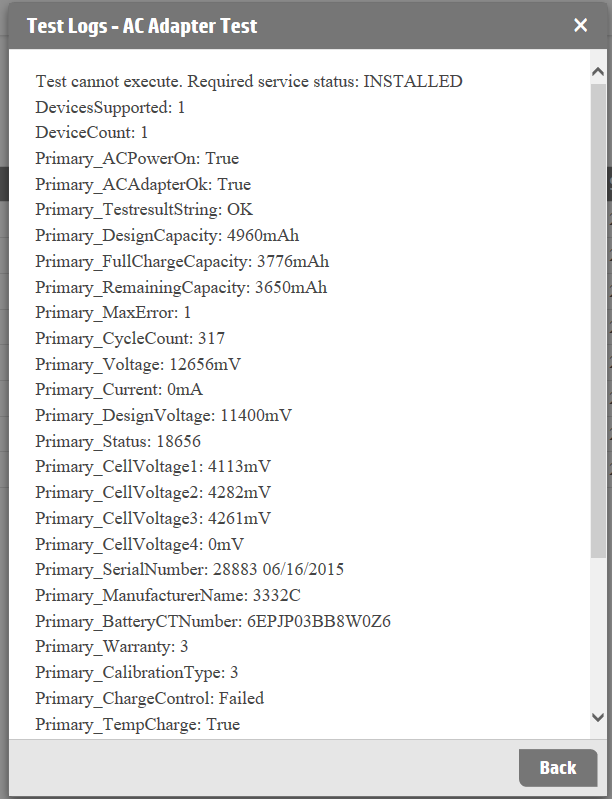
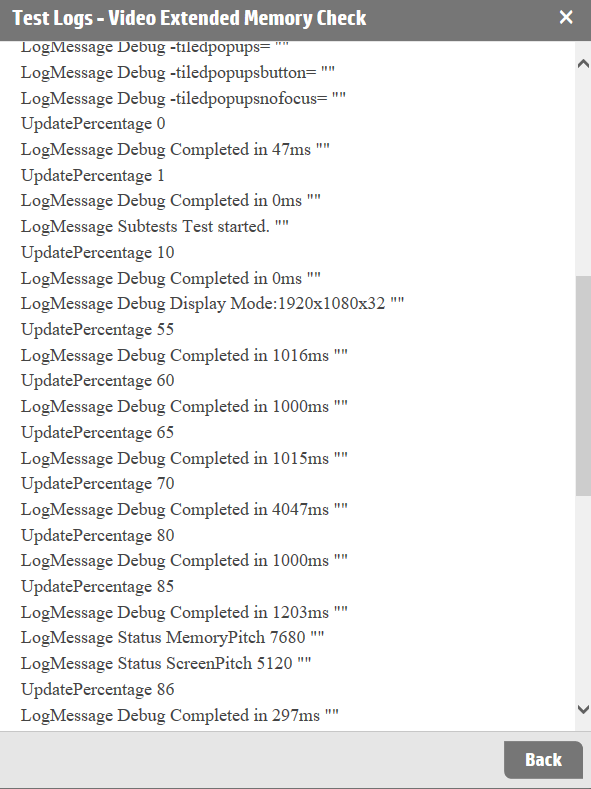
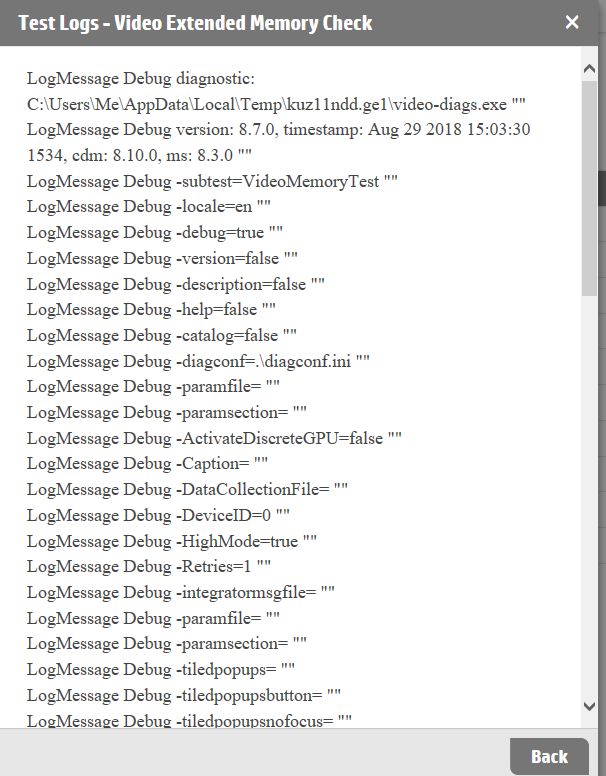
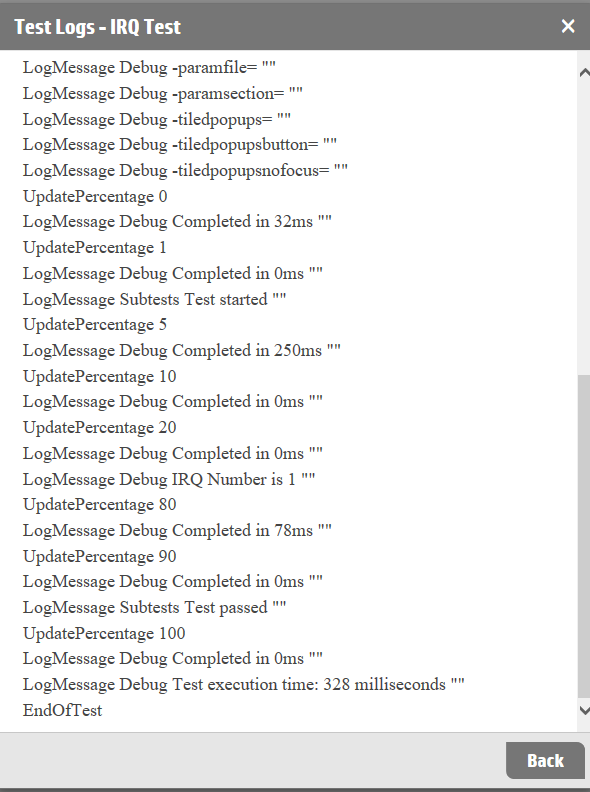
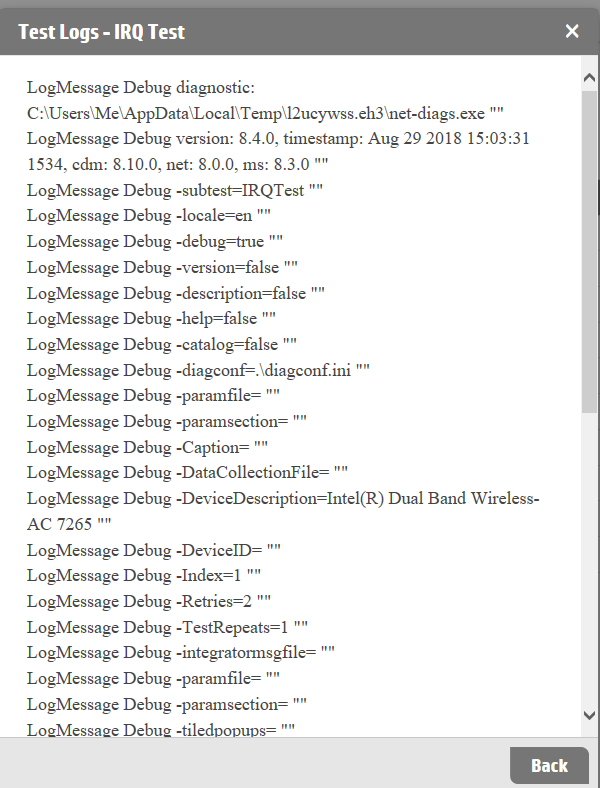
In the HP PC Hardware Diagnostics utility, run the extensive system test, the system board and the power source and ac adapter test. You may have to update your installed HP PC Hardware Diagnostics UEFI utility to perrform all of those tests.
We need to know the status of all three tests before considering that the system board may have a power distribution/charging circuit failure or that there may still be a possible battery issue.
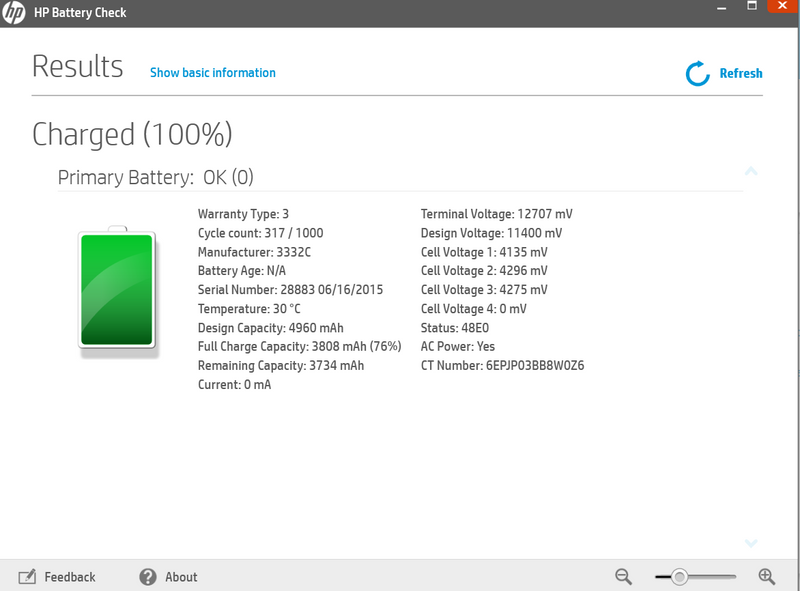
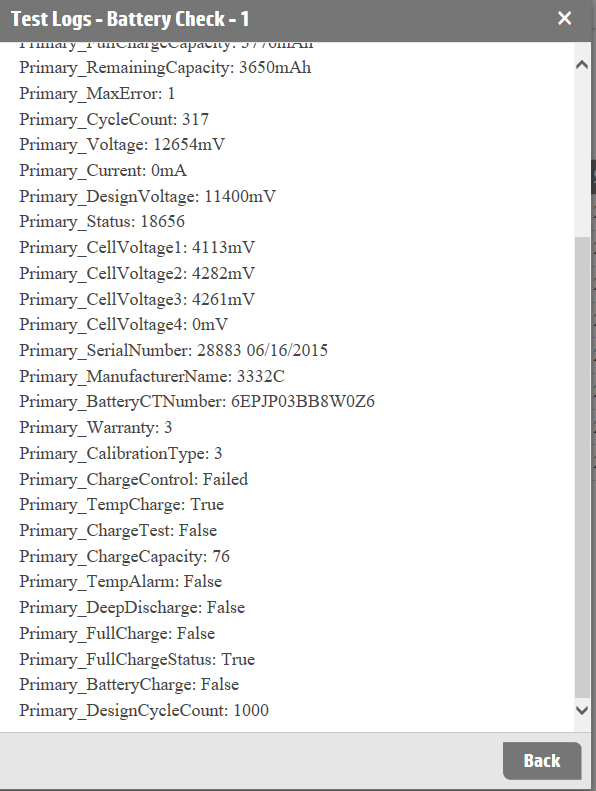
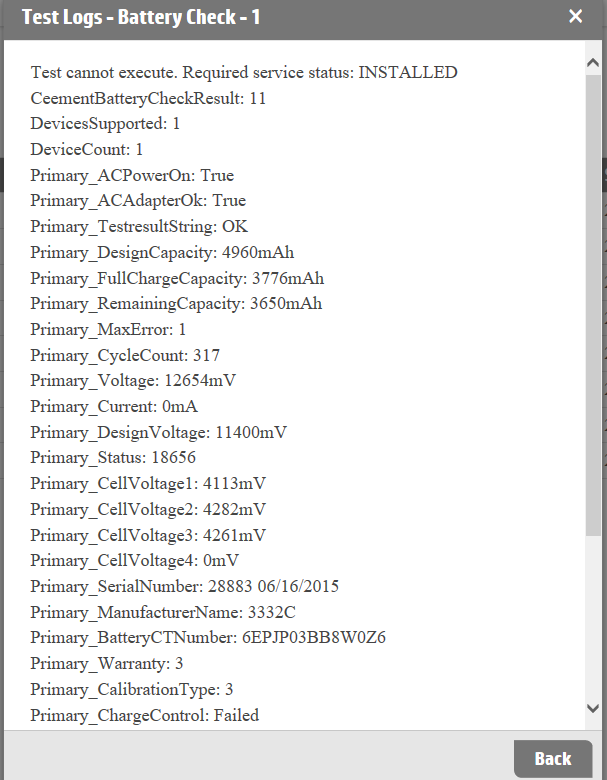
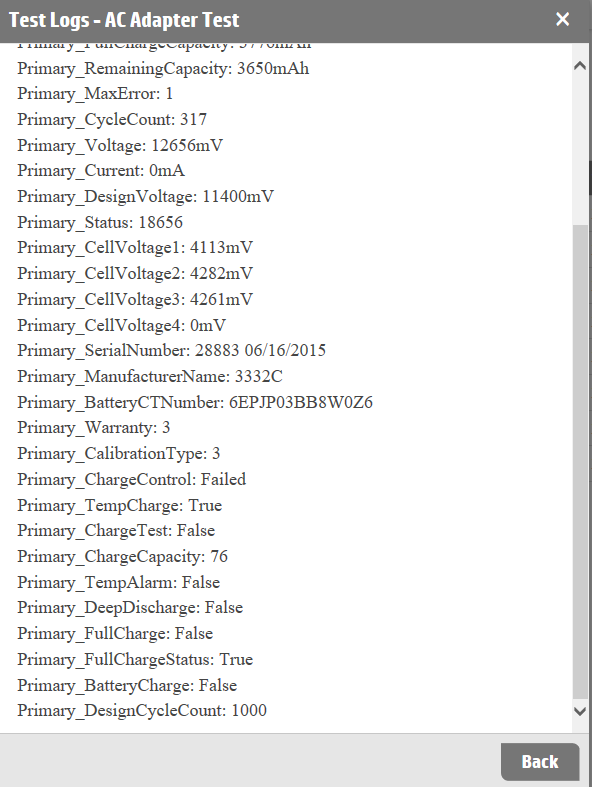
Looking at the battery test results, I see that the test was performed in the HP Support Assistant. The HP PC Hardware Diagnostics utility version is much more informative and extensive.
I am a volunteer forum member. If my suggestion helped you solve your issue, help others by marking that post as the accepted solution. Say thanks by clicking on the Yes button next to the "was this reply helpful?"
10-17-2018 10:08 AM - edited 10-17-2018 10:10 AM
HP Recommended
I am still awaiting the result of the extensive system test.
I have another way to check the battery and the charge status over time and current state.
Why not use Windows own built in reports?
In the search box type in CMD, and then right click the command prompt icon that appears above. Select Runas Administrator.
In the command prompt window, type in powercfg /batteryreport
Use Windows Explorer to path to C:\\Windows\system32\battery-report.html and double click on it.
A browser will open with extensively detailed reporting on the battery and the state of yournotebook.
That is a far better way to make an informed decision on battery or power adapter purchase.
I am a volunteer forum member. If my suggestion helped you solve your issue, help others by marking that post as the accepted solution. Say thanks by clicking on the Yes button next to the "was this reply helpful?"
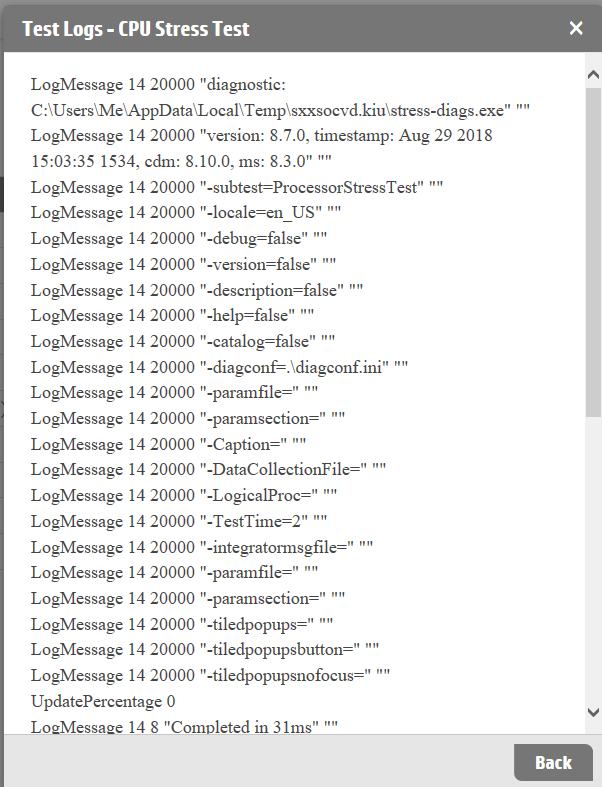
10-17-2018 11:20 AM
HP Recommended
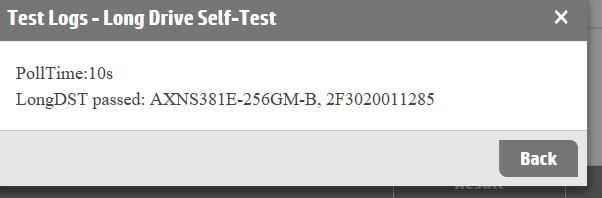
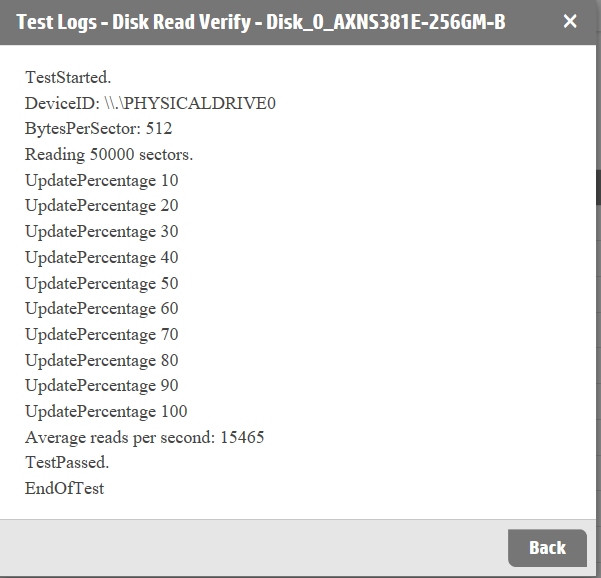
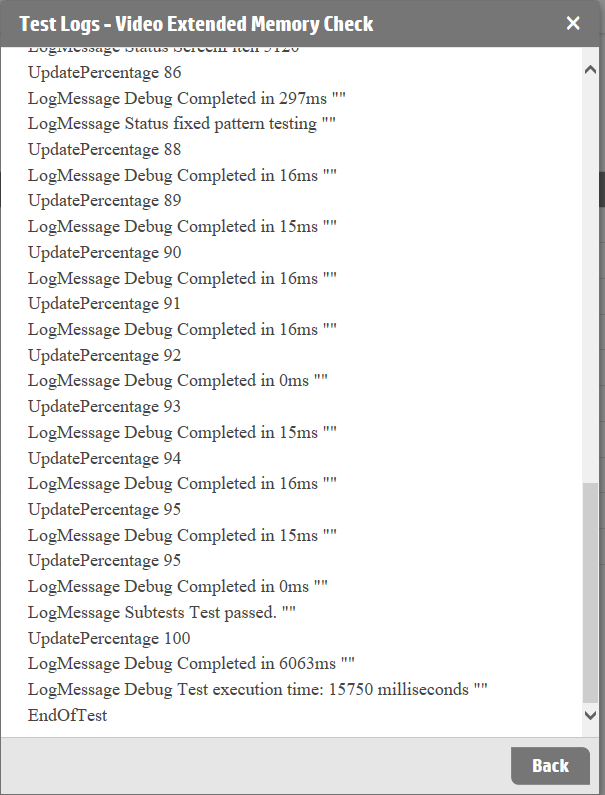
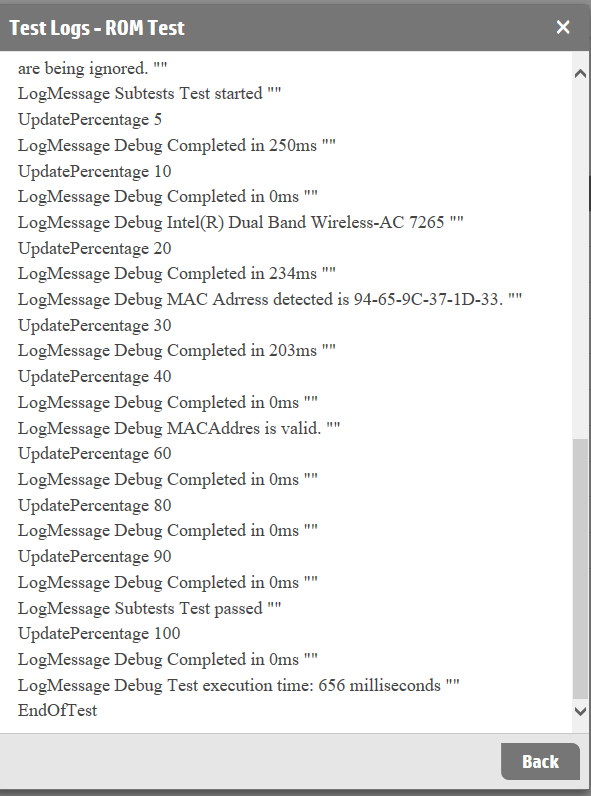
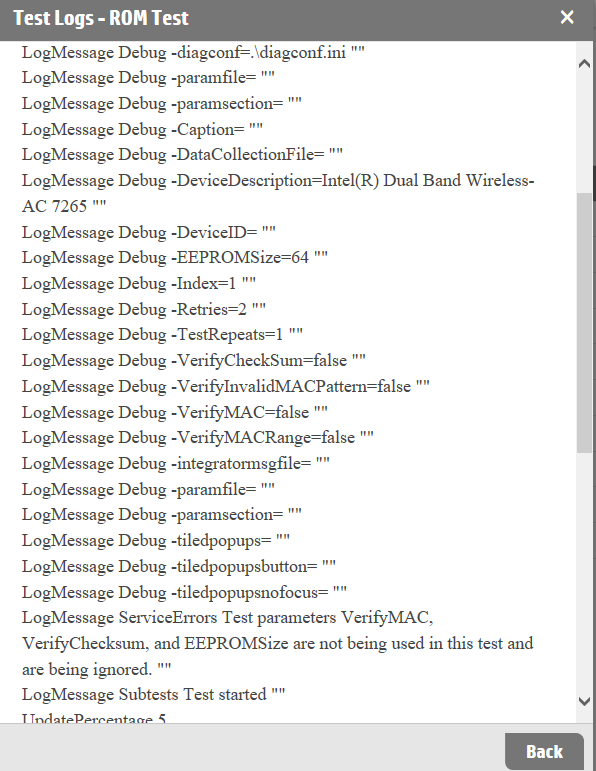
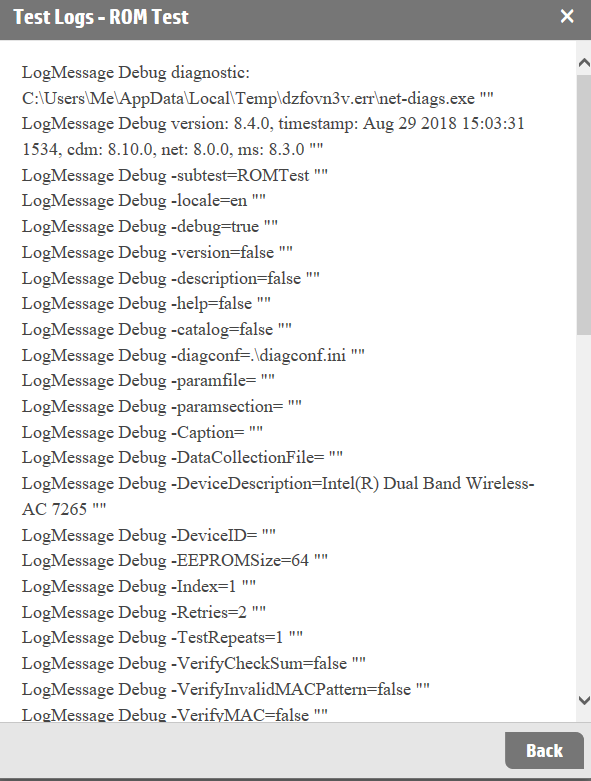
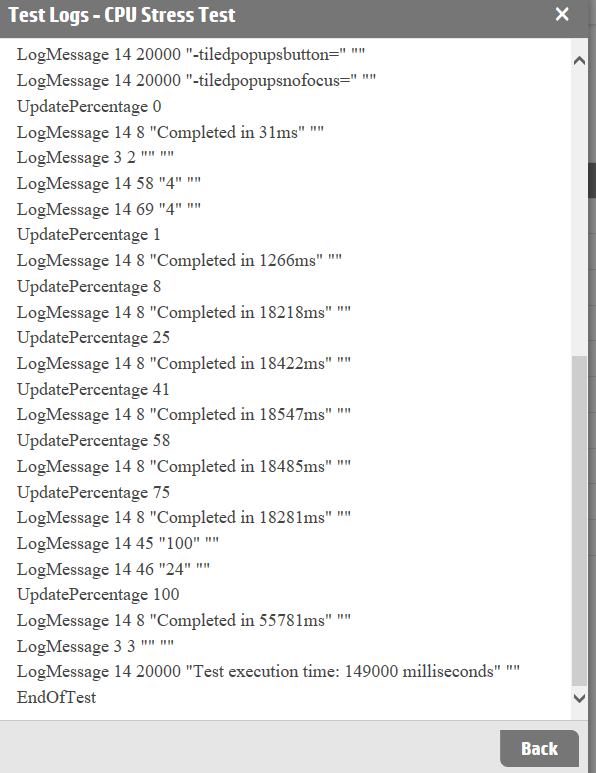
Not the extensive hard disk report. The extensive system test.
As an alternative, you can provide the system board test
I am a volunteer forum member. If my suggestion helped you solve your issue, help others by marking that post as the accepted solution. Say thanks by clicking on the Yes button next to the "was this reply helpful?"

Be alert for scammers posting fake support phone numbers and/or email addresses on the community.
If you think you have received a fake HP Support message, please report it to us by clicking on "Flag Post".
† The opinions expressed above are the personal opinions of the authors, not of HP. By using this site, you accept the Terms of Use and Rules of Participation.


Didn't find what you were looking for?
Ask the community
† The opinions expressed above are the personal opinions of the authors, not of HP. By using this site, you accept the <a href="https://www8.hp.com/us/en/terms-of-use.html" class="udrlinesmall">Terms of Use</a> and <a href="/t5/custom/page/page-id/hp.rulespage" class="udrlinesmall"> Rules of Participation</a>.