
-
×InformationNeed Windows 11 help?Check documents on compatibility, FAQs, upgrade information and available fixes.
Windows 11 Support Center. -
-
×InformationNeed Windows 11 help?Check documents on compatibility, FAQs, upgrade information and available fixes.
Windows 11 Support Center. -
- HP Community
- Notebooks
- Notebook Operating System and Recovery
- Re: HP System Recovery Failing

Create an account on the HP Community to personalize your profile and ask a question
Your account also allows you to connect with HP support faster, access a personal dashboard to manage all of your devices in one place, view warranty information, case status and more.
Check out our WINDOWS 11 Support Center info about: OPTIMIZATION, KNOWN ISSUES, FAQs, VIDEOS AND MORE.

It has been a while since anyone has replied. Simply ask a new question if you would like to start the discussion again.

11-20-2020 01:47 PM
 HP Recommended
Product: HP Pavilion 15-au070sa (ENERGY STAR)
Hi,
I purchased the system recovery USB drive to bring the HP Pavilion 15-au070sa (ENERGY STAR) back to factory settings as this device was running incredibly slowly, but the recovery keeps failing about 2 hours in.
I have been provided with the Windows 10 Recovery Media For Windows 10 products. Have I been provided with the correct volume recovery tool?
The HP part number of the recovery tool is 939156-0323-75-201111-00018
I have the error logs but am unable to see where to attach them here.
Is there anywhere else I am able to get support to try and get this laptop working again for my friend's daughter?
The laptop will now only start from the recovery tool.
Any help would be greatly appreciated.
Many Thanks
Neil
Solved! Go to Solution.
1 ACCEPTED SOLUTION
Accepted Solutions


11-24-2020 02:30 PM
HP Recommended
You're very welcome, Neil.
This one driver should install both devices. Restart the PC after installing the driver.
This package contains the Intel Chipset Installation Utility. This utility enables the operating system to show the correct name for the installed Intel hardware in the Microsoft Windows Device Manager. This package is provided for supported notebook models running a supported operating system.
5 REPLIES 5
11-20-2020 02:42 PM
HP Recommended
Hi, Neil:
The first thing I recommend is to run the hard drive and memory tests (F2).
If they both pass, you have other options to reinstall W10.
Using another windows PC with W7 64 bit or newer, and a 32 GB USB flash drive, use the HP cloud recovery tool that will reinstall W10, the drivers and the software that originally came with the notebook.
Here is an info link for how to use that utility...
https://support.hp.com/us-en/document/c06162205
If that doesn't work, clean install W10 by making bootable installation media using the media creation tool from the link below.
https://www.microsoft.com/en-us/software-download/windows10
After W10 has completed installing, you can install the drivers and available software from the PC's support page.
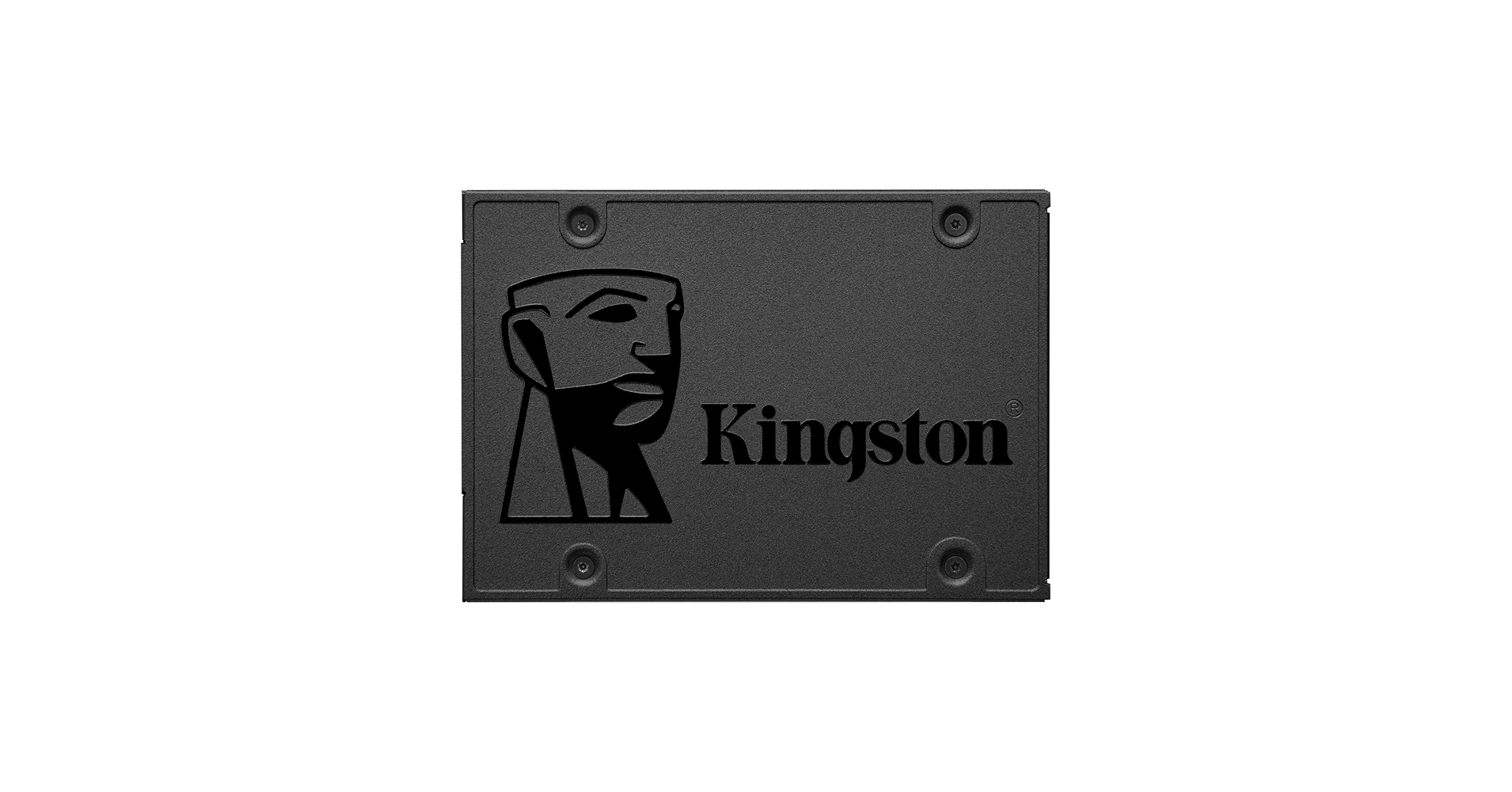
Incredible speeds plus rock-solid reliability - Kingston's A400 solid-state drive dramatically improves the responsiveness of your existing system with incredible boot, loading and file transfer times compared to mechanical hard drives. Powered by a latest gen controller for read and write speeds...
11-24-2020 02:12 PM
HP Recommended
Hi Paul,
Thank you so much for your response.
I ran the the extended hard drive and memory tests of which all passed.
I decided to make a bootable Win 10 installation media using the media creation tool and re-build the laptop using this particular method.
All has gone very well and I am posting my response now using the re-built laptop.
I have also gone to the HP site as recommended and download all of the drivers which has gone pretty well except for 2 missing drivers.
For some reason, under other devices, I have yellow exclamation marks and the following:
PCI Memory Controller
PCI Data Acquisition and Signal Processing Controller.

Do you know why this could be and how I could resolve this issue.
Thank you for all of your help so far and any further assistance you could offer would be greatly appreciated.
Kindest Regards
Neil
11-24-2020 02:30 PM
HP Recommended
You're very welcome, Neil.
This one driver should install both devices. Restart the PC after installing the driver.
This package contains the Intel Chipset Installation Utility. This utility enables the operating system to show the correct name for the installed Intel hardware in the Microsoft Windows Device Manager. This package is provided for supported notebook models running a supported operating system.
11-26-2020 10:28 AM
HP Recommended
Hi Paul,
That's brilliant. I no longer have any missing device drivers.
Thank you ever so much for your help in assisting me with re-building my friend's daughter's laptop.
Your support has been truly amazing is very much appreciated.
Happy Thanksgiving
Neil

Be alert for scammers posting fake support phone numbers and/or email addresses on the community.
If you think you have received a fake HP Support message, please report it to us by clicking on "Flag Post".
† The opinions expressed above are the personal opinions of the authors, not of HP. By using this site, you accept the Terms of Use and Rules of Participation.


Didn't find what you were looking for?
Ask the community
† The opinions expressed above are the personal opinions of the authors, not of HP. By using this site, you accept the <a href="https://www8.hp.com/us/en/terms-of-use.html" class="udrlinesmall">Terms of Use</a> and <a href="/t5/custom/page/page-id/hp.rulespage" class="udrlinesmall"> Rules of Participation</a>.