• ×
    Information
    Need Windows 11 help?
    Check documents on compatibility, FAQs, upgrade information and available fixes.
    Windows 11 Support Center.
  • post a message
  • ×
    Information
    Need Windows 11 help?
    Check documents on compatibility, FAQs, upgrade information and available fixes.
    Windows 11 Support Center.
  • post a message
Guidelines
Troubleshooting black screen issues on HP Notebooks: Click here to view the instructions!
HP Recommended
HP 15-dy0000 Laptop PC (7QU34AV)
Microsoft Windows 11

This laptop is maybe one month old. I had pressed the power button to wake up the laptop, but didn’t realize that the screen was already turning on when I opened it. I ended up pressing the button a second consecutive time immediately afterwards because I realized my mistake. However, immediately after doing that my screen has been completely black and will flash a white light every 5-10 seconds. The laptop is brand new and has hardly anything on it at this point, so I am pretty confused and frustrated. Any advice would be great. I tried a hard reset holding the power button down 15+ seconds to no avail. 

1 REPLY 1
HP Recommended

Hello @DCN1217 


(1) Power off computer

(2Disconnect charger

(3Press and hold <power> button for 30 seconds

(4Connect charger

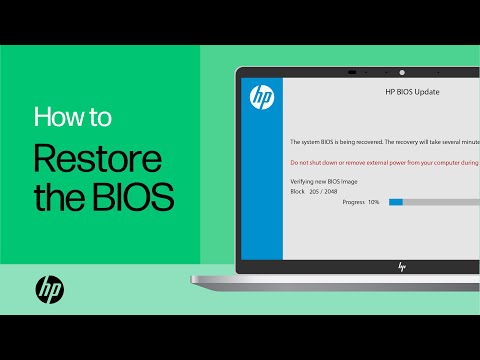
(5) Follow the HP standard procedure

 https://www.youtube.com/watch?v=qpiGUojtr3E

(6) Please report your results

† The opinions expressed above are the personal opinions of the authors, not of HP. By using this site, you accept the <a href="https://www8.hp.com/us/en/terms-of-use.html" class="udrlinesmall">Terms of Use</a> and <a href="/t5/custom/page/page-id/hp.rulespage" class="udrlinesmall"> Rules of Participation</a>.