• ×
    Information
    Need Windows 11 help?
    Check documents on compatibility, FAQs, upgrade information and available fixes.
    Windows 11 Support Center.
  • post a message
  • ×
    Information
    Need Windows 11 help?
    Check documents on compatibility, FAQs, upgrade information and available fixes.
    Windows 11 Support Center.
  • post a message
Guidelines
Join the HP Community Solve‑a‑thon | Help Others & Share Your Solutions | Live on Zoom | 2:30 PM to 2:30 AM IST | Every Wednesday Click here to know more
Common problems HP Solution Center not working : Adobe Flash Player Error and Unable to scan
We would like to share some of the most frequently asked questions about HP Solution Center not working : Adobe Flash Player Error and Unable to Scan.

HP Recommended

what do I do to get my Hp 7300 Smart Tank to print, the error icon is ‘ Print Head Failure’. My warranty is expiring in 2 months. I appreciate any resolution. 
The photo below is the message on the Printer’s monitor.

image.jpg

1 REPLY 1
HP Recommended

Hi @Kelsasha 

1.  First check that ink tanks are filled with ink


  • ferRX_0-1778644213005.png


2.  Then clean the printheads using buttons in the front control panel.


3. If you still have a printhead failure you may need to replace printheads for a new set of printheads.

>> https://www.youtube.com/watch?v=IS1_JWPE1ZU


4. For warranty options and Contact HP Support use the next options:

* Click YES   to say thank you, 

* Click Accepted as Solution when question is answered.

Best regards,

ferRX.

dodecaedroh.gif


@ferRX / I am a volunteer posting answers on my own time.
If your printer has a defective or damaged printhead this video will explain how to replace the printhead in your HP Smart Tank 670, 720, 750, 790, 6000, 7000, 7300, 7600 Printer Series. Chapters: 00:00 Introduction 00:44 Determine which printhead caused the error 01:14 Remove the old printhead ...
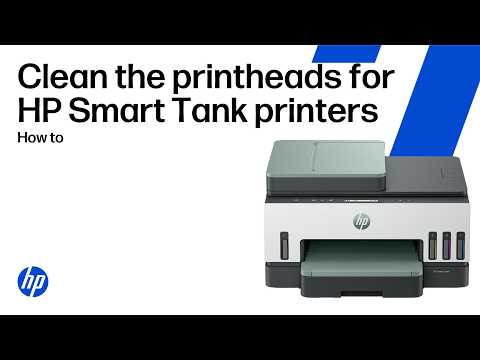
Having problems with streaked, faded, or blank printouts? This quick, step-by-step video from HP walks you through the exact process for cleaning the printheads to restore print quality for HP Smart Tank 670, 720, 750, 790, 6000, 7000, 7300, and 7600 printers. What you will learn How to fix ...
† The opinions expressed above are the personal opinions of the authors, not of HP. By using this site, you accept the <a href="https://www8.hp.com/us/en/terms-of-use.html" class="udrlinesmall">Terms of Use</a> and <a href="/t5/custom/page/page-id/hp.rulespage" class="udrlinesmall"> Rules of Participation</a>.