Sorry, there was an error with your nomination, please try again.
Required fields can't be empty, please try again.
Create an account on the HP Community to personalize your profile and ask a question
Your account also allows you to connect with HP support faster, access a personal dashboard to manage all of your devices in one place, view warranty information, case status and more.
We would like to share some of the most frequently asked questions about: Battery Reports, Hold a charge, Test and Calibrating Battery . Check out this link: Is your notebook plugged in and not charging?
Hey! It's my first post here so if there is anything wrong with it please let me know!
I have an OMEN laptop (model: OMEN by HP Laptop 15-ce0xx) and two days ago I was gaming when the computer suddently shuts down. I turned it back on, and everything seemed fine except for my second monitor still being off. I tried disconnecting and reconnecting the cables but nothing worked.
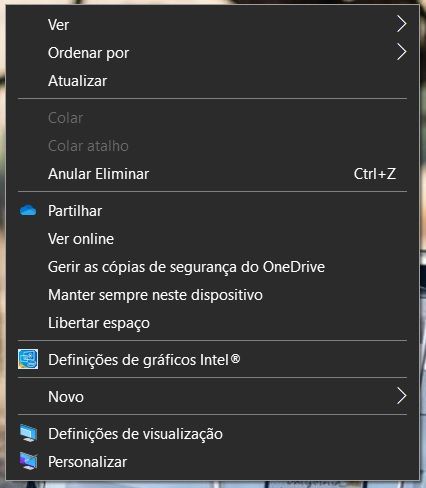
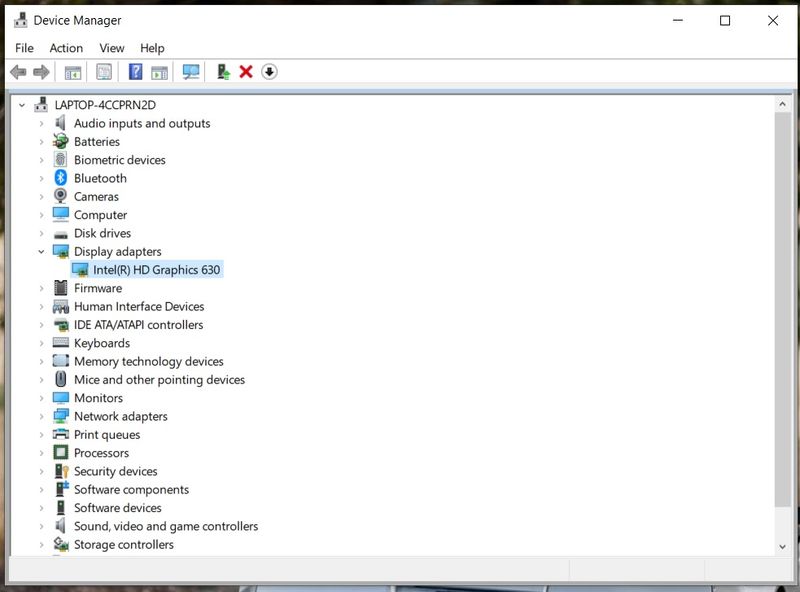
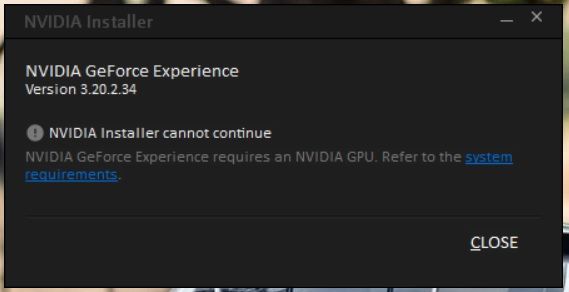
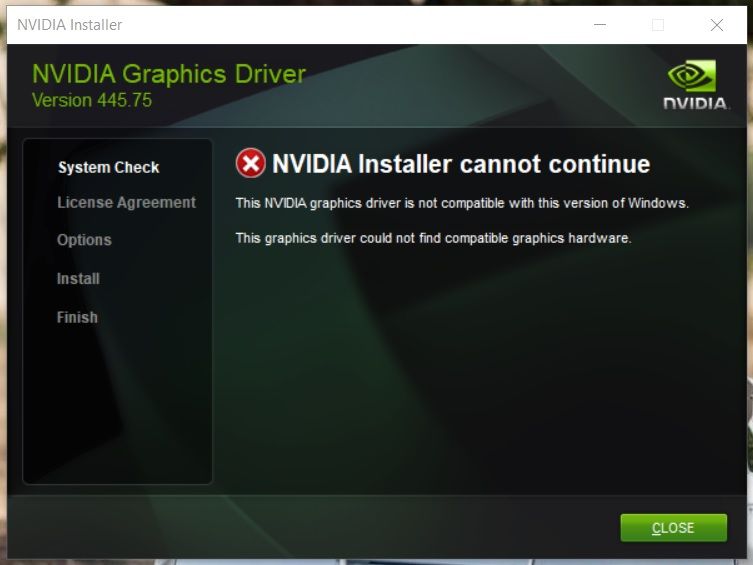
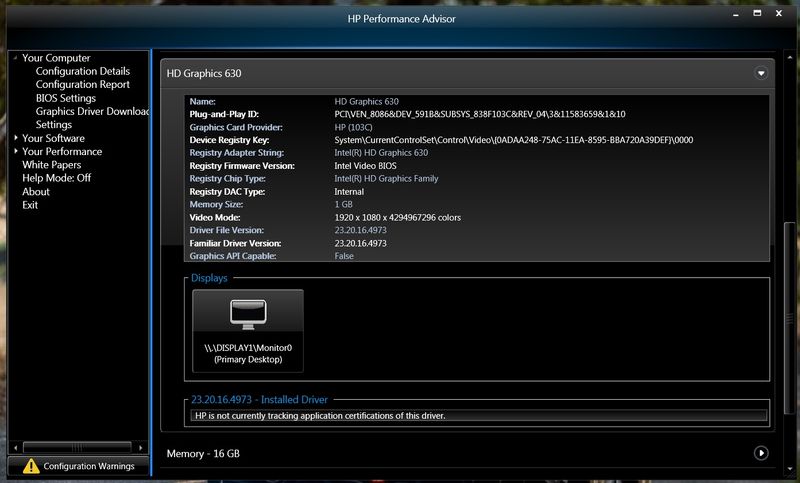
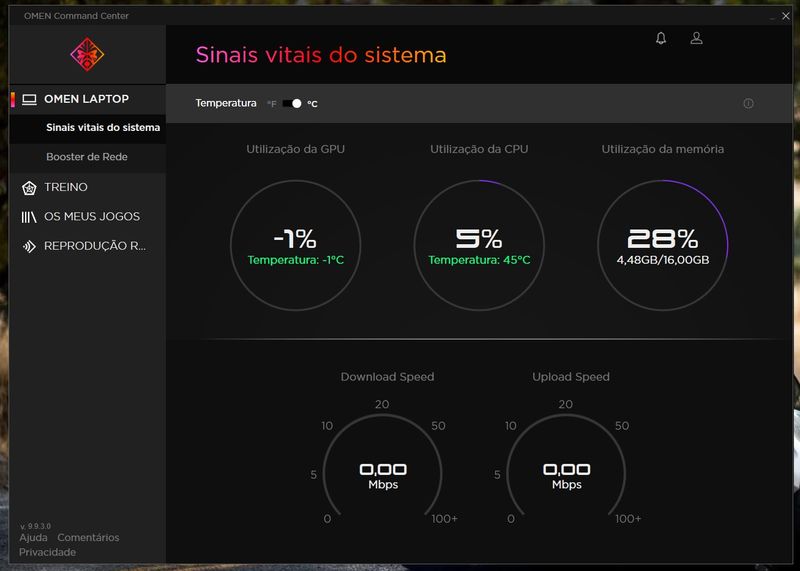
Then I remembered that the HDMI output is connected to the NVIDIA GPU so I tried to go to the NVIDIA Control Panel but there was none (photo 1). After that I went to the Device Manager but my NVIDIA GPU wasn't showing up (photo 2). I decided to check if the driver was up to date on GeForce Experience, and it was. After some research I tried to do a clean install of my driver, but when i tried to run the GeForce Experience Setup it said that an NVIDIA GPU was required (photo 3). Then I tried to install the driver for my GPU manually, which also said that it could not find compatible graphics hardware (photo 4). I then installed HP Performance Advisor, and it also showed that the only GPU was the integrated GPU (photo 5). Some time later I remembered the OMEN Command Centre existed so I went there to check my GPU status and it was like this (photo 6) !!
Any help with this issue is very much appreciated! Thank you for your time.