Troubleshooting black screen issues on HP Notebooks: Click here to view the instructions!
Create an account on the HP Community to personalize your profile and ask a question
Your account also allows you to connect with HP support faster, access a personal dashboard to manage all of your devices in one place, view warranty information, case status and more.
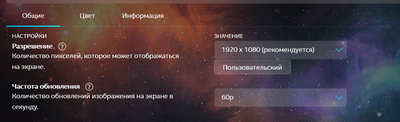
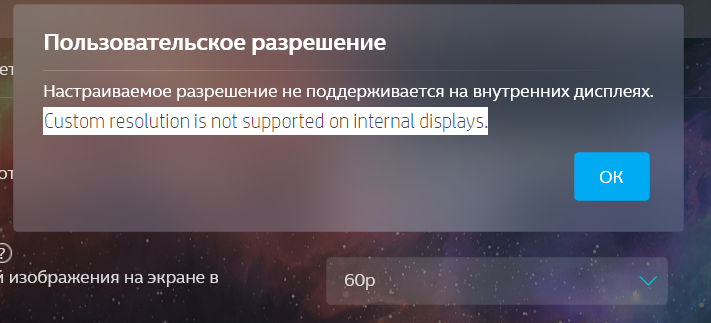
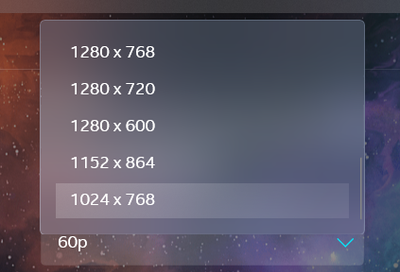
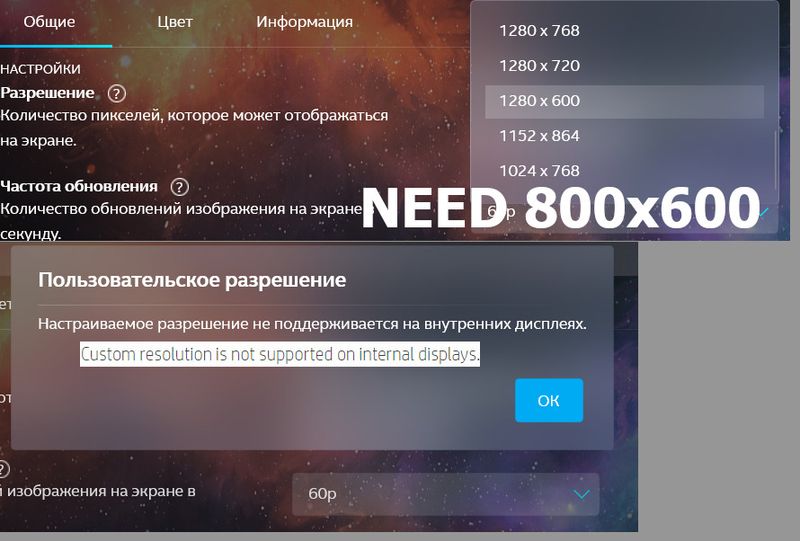
Я хочу добавить пользовательский режим экрана 800x600. Я попытался добавить разрешение экрана вручную через Intel Graphics, но получил следующий текст: Пользовательское разрешение не поддерживается на внутренних дисплеях. Но раньше я мог это сделать, теперь не могу.
I want to add a custom 800x600 screen mode. I tried to add the screen resolution manually via Intel Graphics, but I got the following text: Custom resolution is not supported on internal displays. But before I could do it, now I can't.