-
×InformationNeed Windows 11 help?Check documents on compatibility, FAQs, upgrade information and available fixes.
Windows 11 Support Center. -

-
×InformationNeed Windows 11 help?Check documents on compatibility, FAQs, upgrade information and available fixes.
Windows 11 Support Center. -
- HP Community
- Notebooks
- Notebook Hardware and Upgrade Questions
- Re: Hardware Upgrade

Create an account on the HP Community to personalize your profile and ask a question
09-12-2022 09:52 PM
Can I add extra ram and SSD to my laptop HP pavilion 15 cs-1000tx? If yes, please suggest some of the best SSD and ram.
Solved! Go to Solution.
Accepted Solutions
09-12-2022 11:19 PM
The specs of your machine is
https://support.hp.com/au-en/document/c06126259
1. RAM: It has 8 GB DDR4-2400 SDRAM (1 x 8 GB) now and supports 32GB (x x 16GB) max. You can upgrade to
- 16GB: add same existing 8GB to slot 2 or using compatible RAM such as https://www.crucial.com/memory/ddr4/ct8g4sfs824a/ct13392447
- 32GB: install 2 x 16GB using compatible RAM such as https://www.crucial.com/memory/ddr4/ct2k16g4sfd824a/ct14368460
2. STORAGE: It supports M.2 NVMe SSD + 2.5" HDD. It has 2.5" 1 TB 5400 rpm SATA now, you can add M.2 NVMe SSD to your machine using standard M.2 NVMe SSD drives such as https://www.crucial.com/ssd/p5-plus/ct1000p5pssd8/ct20164419
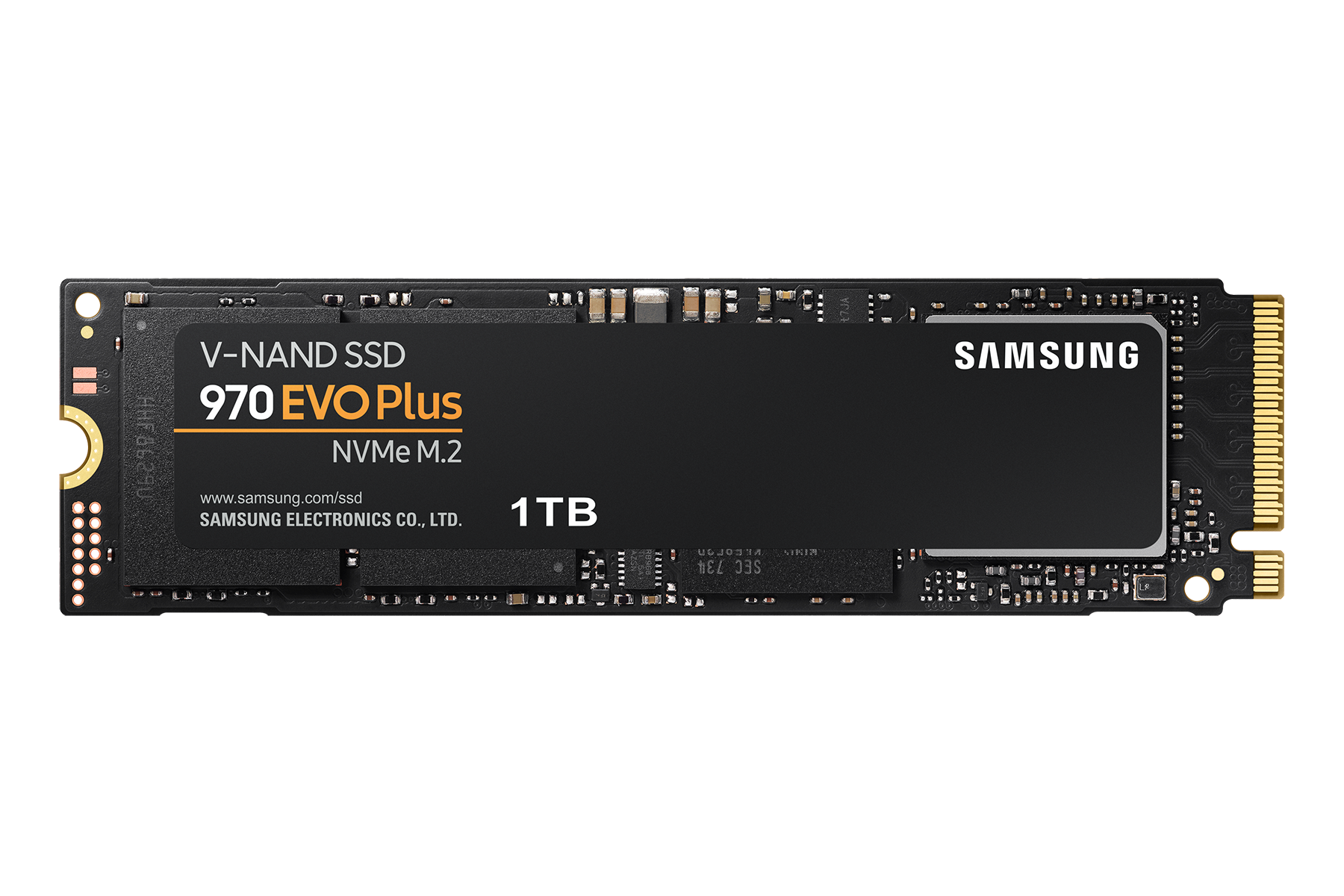
or https://www.samsung.com/au/memory-storage/nvme-ssd/970-evo-plus-nvme-m-2-ssd-1tb-mz-v7s1t0bw/
Regards.
***
**Click the KUDOS thumb up on the left to say 'Thanks'**
Make it easier for other people to find solutions by marking a Reply 'Accept as Solution' if it solves your problem.
09-12-2022 11:19 PM
The specs of your machine is
https://support.hp.com/au-en/document/c06126259
1. RAM: It has 8 GB DDR4-2400 SDRAM (1 x 8 GB) now and supports 32GB (x x 16GB) max. You can upgrade to
- 16GB: add same existing 8GB to slot 2 or using compatible RAM such as https://www.crucial.com/memory/ddr4/ct8g4sfs824a/ct13392447
- 32GB: install 2 x 16GB using compatible RAM such as https://www.crucial.com/memory/ddr4/ct2k16g4sfd824a/ct14368460
2. STORAGE: It supports M.2 NVMe SSD + 2.5" HDD. It has 2.5" 1 TB 5400 rpm SATA now, you can add M.2 NVMe SSD to your machine using standard M.2 NVMe SSD drives such as https://www.crucial.com/ssd/p5-plus/ct1000p5pssd8/ct20164419
or https://www.samsung.com/au/memory-storage/nvme-ssd/970-evo-plus-nvme-m-2-ssd-1tb-mz-v7s1t0bw/
Regards.
***
**Click the KUDOS thumb up on the left to say 'Thanks'**
Make it easier for other people to find solutions by marking a Reply 'Accept as Solution' if it solves your problem.