• ×
    Information
    Need Windows 11 help?
    Check documents on compatibility, FAQs, upgrade information and available fixes.
    Windows 11 Support Center.
  • post a message
  • ×
    Information
    Need Windows 11 help?
    Check documents on compatibility, FAQs, upgrade information and available fixes.
    Windows 11 Support Center.
  • post a message
Guidelines
Join the HP Community Solve‑a‑thon | Help Others & Share Your Solutions | Live on Zoom | 2:30 PM to 2:30 AM IST | Every Wednesday Click here to know more
Common problems for Battery
We would like to share some of the most frequently asked questions about: Battery Reports, Hold a charge, Test and Calibrating Battery . Check out this link: Is your notebook plugged in and not charging?
HP Recommended
15-eg0560TU
Microsoft Windows 11

Hi I was wondering if I was able to upgrade the ram on this computer.

1 ACCEPTED SOLUTION

Accepted Solutions
HP Recommended

Hello @sbha8398 .
Your computer can support 32 gb of ram.
2 slots.
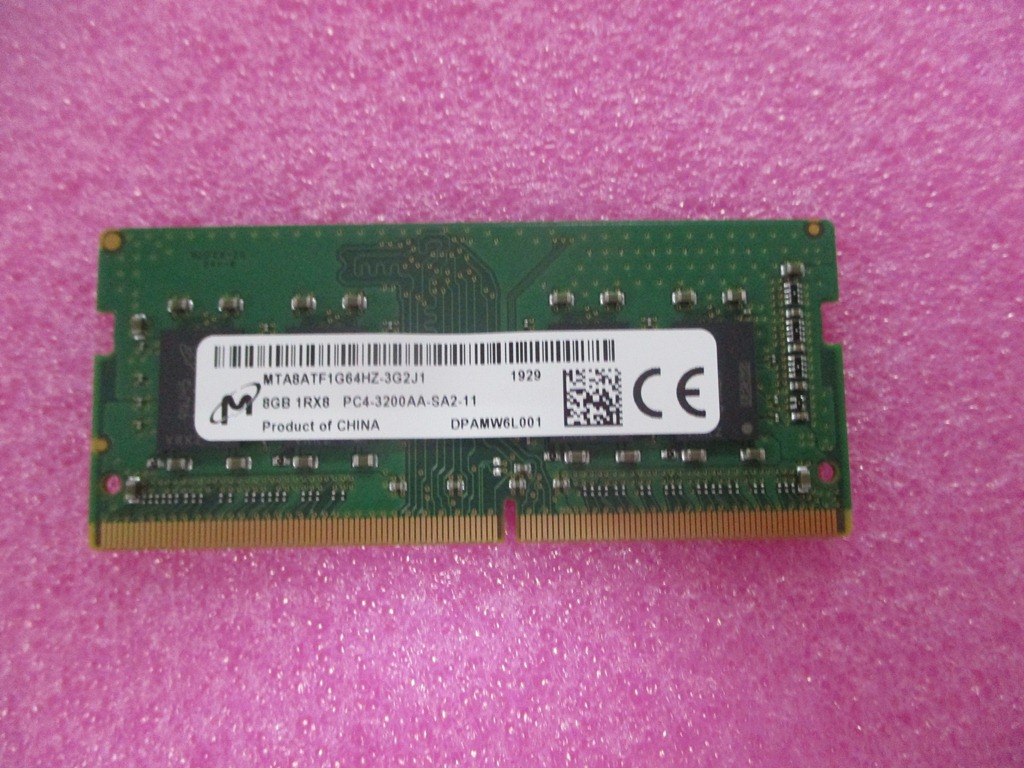
Compatible ram memories:

8 GB L46598-005
4 GB L83673-005

The ram memory must be: 3200MHz 1.2v DDR4.


The computer has a M.2 slot where you can place both a SSD M.2 2280 SATA 3 as a PCIe, NVMe, M.2 2280 and the latter is faster.

Compatible SSD's:

1 TB, PCIe L85370-005
1 TB solid-state drive + 32 GB Optane memory L85374-005
512 GB, PCIe L85364-005
512 GB solid-state drive + 32 GB Optane memory L85366-005
256 GB, PCIe L85354-005
256 GB solid-state drive + 16 GB Optane memory L85356-005
128 GB, SATA-3, TLC L85346-005


Disassembly and upgrade video for the equipment:

https://www.youtube.com/watch?v=HQRZ0RFoliU


I am proudly Mexican, a Computer Systems Engineer and a community volunteer.
If you found the answer helpful and/or you want to say “thanks”? Click the “ Yes ” box below Did I help solve the problem? don´t forget to click “ Accept as a solution” , someone who has the same query may find this solution and be helped by it.


View solution in original post

1 REPLY 1
HP Recommended

Hello @sbha8398 .
Your computer can support 32 gb of ram.
2 slots.
Compatible ram memories:

8 GB L46598-005
4 GB L83673-005

The ram memory must be: 3200MHz 1.2v DDR4.


The computer has a M.2 slot where you can place both a SSD M.2 2280 SATA 3 as a PCIe, NVMe, M.2 2280 and the latter is faster.

Compatible SSD's:

1 TB, PCIe L85370-005
1 TB solid-state drive + 32 GB Optane memory L85374-005
512 GB, PCIe L85364-005
512 GB solid-state drive + 32 GB Optane memory L85366-005
256 GB, PCIe L85354-005
256 GB solid-state drive + 16 GB Optane memory L85356-005
128 GB, SATA-3, TLC L85346-005


Disassembly and upgrade video for the equipment:

https://www.youtube.com/watch?v=HQRZ0RFoliU


I am proudly Mexican, a Computer Systems Engineer and a community volunteer.
If you found the answer helpful and/or you want to say “thanks”? Click the “ Yes ” box below Did I help solve the problem? don´t forget to click “ Accept as a solution” , someone who has the same query may find this solution and be helped by it.

† The opinions expressed above are the personal opinions of the authors, not of HP. By using this site, you accept the <a href="https://www8.hp.com/us/en/terms-of-use.html" class="udrlinesmall">Terms of Use</a> and <a href="/t5/custom/page/page-id/hp.rulespage" class="udrlinesmall"> Rules of Participation</a>.