
-
×InformationNeed Windows 11 help?Check documents on compatibility, FAQs, upgrade information and available fixes.
Windows 11 Support Center. -
-
×InformationNeed Windows 11 help?Check documents on compatibility, FAQs, upgrade information and available fixes.
Windows 11 Support Center. -
- HP Community
- Notebooks
- Notebook Wireless and Networking
- Re: My HP Spectre's integrated Bluetooth module stopped work...

Create an account on the HP Community to personalize your profile and ask a question
Your account also allows you to connect with HP support faster, access a personal dashboard to manage all of your devices in one place, view warranty information, case status and more.
Check out our WINDOWS 11 Support Center info about: OPTIMIZATION, KNOWN ISSUES, FAQs, VIDEOS AND MORE.

It has been a while since anyone has replied. Simply ask a new question if you would like to start the discussion again.

02-14-2018 06:57 AM
 HP Recommended
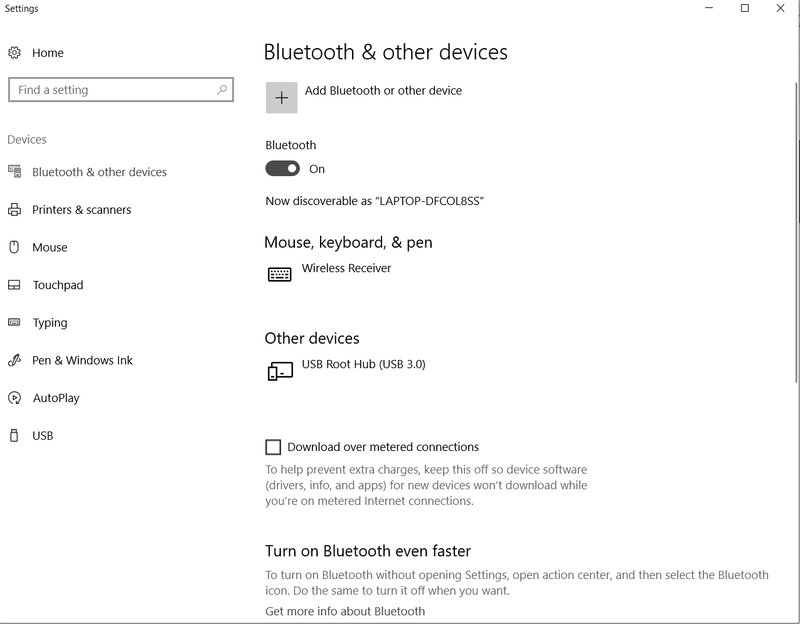
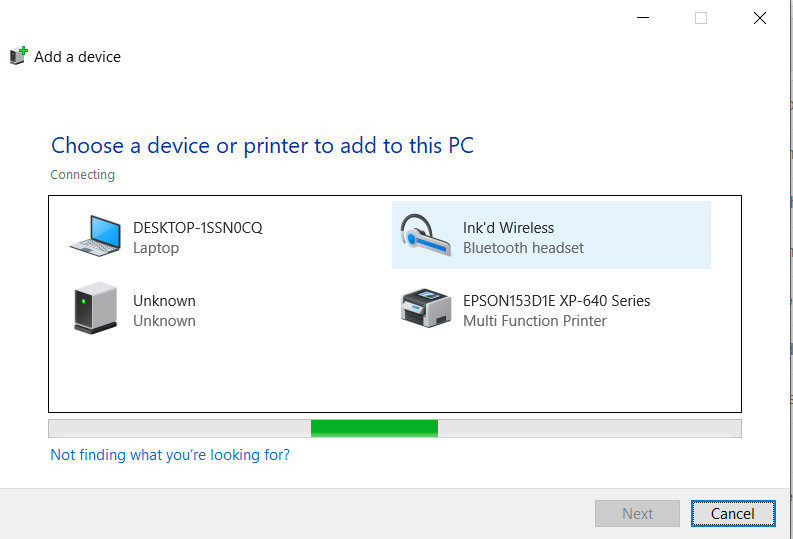
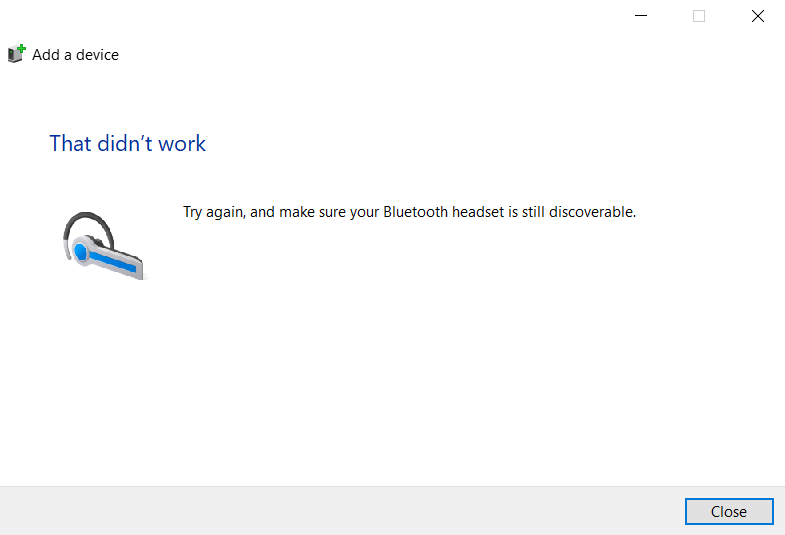
It didn't work, BT wouldn't even show. I guess OS was automatically updated right after the installation/during the installation.
I'm so pissed I actually booted up Linux and everything works just fine, unfortunately, due to work I need this atrocious OS called Windows.
02-14-2018 07:01 AM
HP Recommended
Okay, if it works under Linux, it's probably not hardware. At least we can rule that out. Try another clean install, don't connect to the internet and make sure bluetooth works, then do the windows update, if there's a way to stop the 20.20.0.5 install, stop that. If not, let it install, then install 20.30.0 over it. I'm out of ideas.
02-14-2018 07:24 AM - edited 02-14-2018 07:25 AM
HP Recommended
@theSpirea wrote:I'm going to wait a few days for MS to roll out another patch to fix this **bleep**up. I've already spent way too much time trying to fix this.
I'm not sure this is MS' fault. Oh, I blame MS for Windows Update being "simplified" so now even drivers are autoinstalled. Windows 7 used to have drivers in the Optional update category. I've been thinking that this is mostly a HP caused problem. I may be wrong here, but 20.20.0.5 isn't a version listed on the Intel driver site. This makes me think that it's one of those OEM approved drivers and the OEM in this case is HP. So this means HP must have signed off on it for MS to include it in Windows Update. As I said, I could be wrong here, but this is what I'm thinking.

Be alert for scammers posting fake support phone numbers and/or email addresses on the community.
If you think you have received a fake HP Support message, please report it to us by clicking on "Flag Post".
† The opinions expressed above are the personal opinions of the authors, not of HP. By using this site, you accept the Terms of Use and Rules of Participation.


Didn't find what you were looking for?
Ask the community
† The opinions expressed above are the personal opinions of the authors, not of HP. By using this site, you accept the <a href="https://www8.hp.com/us/en/terms-of-use.html" class="udrlinesmall">Terms of Use</a> and <a href="/t5/custom/page/page-id/hp.rulespage" class="udrlinesmall"> Rules of Participation</a>.