-
×InformationNeed Windows 11 help?Check documents on compatibility, FAQs, upgrade information and available fixes.
Windows 11 Support Center. -

-
×InformationNeed Windows 11 help?Check documents on compatibility, FAQs, upgrade information and available fixes.
Windows 11 Support Center. -
- HP Community
- Printers
- Printer Wireless, Networking & Internet
- HPENY 6132e printer not connecting to PC for printing since ...

Create an account on the HP Community to personalize your profile and ask a question
09-23-2026 09:26 AM - edited 09-23-2026 11:00 AM
Hello @randeep3, Welcome to the HP Support Community.
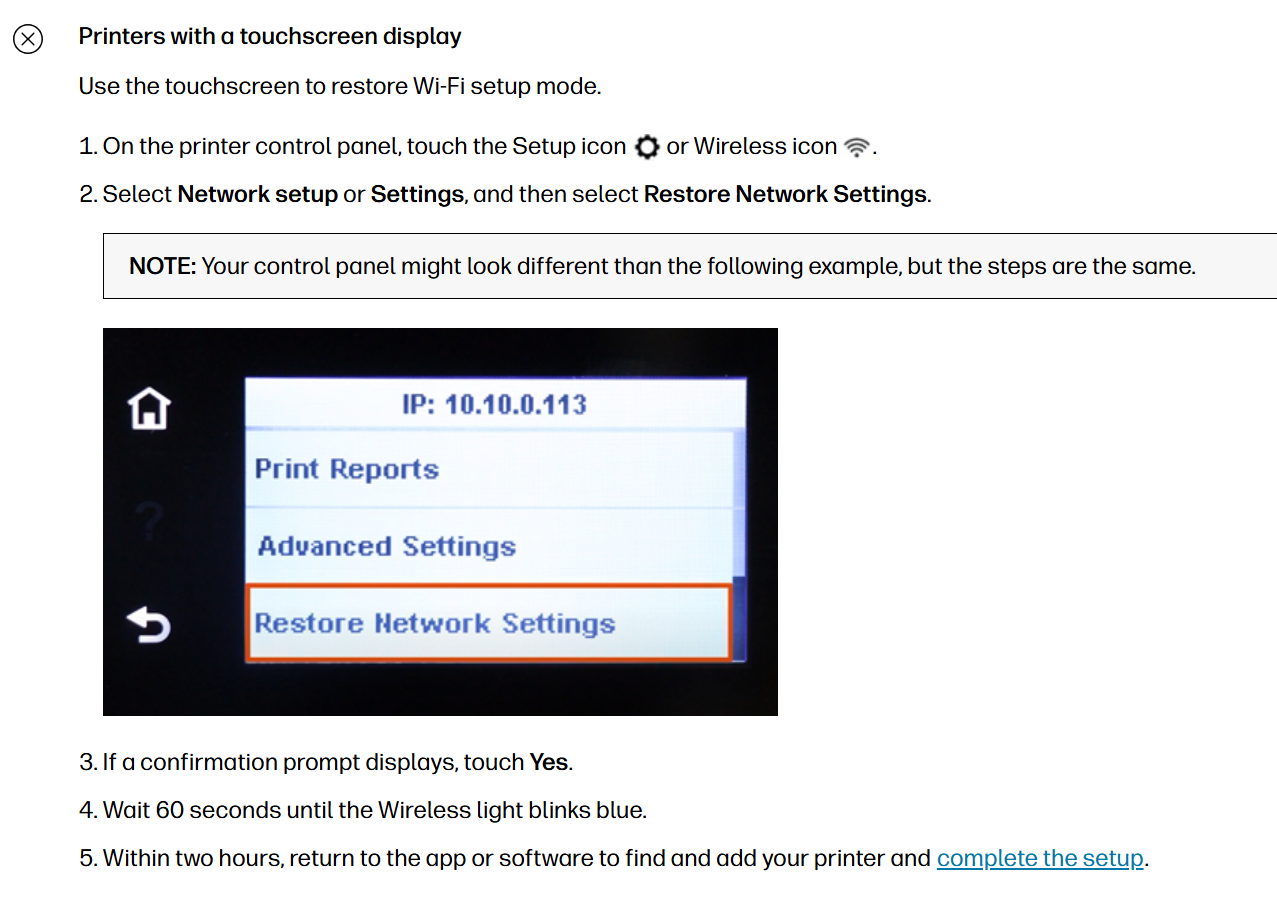
I also noticed that you created another post mentioning that you are experiencing issues connecting the printer to a new Wi-Fi network. In this post, I have shared the steps to perform a network reset and instructions on how to re-add the printer to the HP app.
To fix your scanning issue after switching to Sky Wi-fi, re-add the printer to your computer using the HP App so it updates the new network IP address and installs the correct scanning drivers.
1. Install/Update HP Universal Scan Driver
- On your Windows PC, open a browser and go to
HP Customer Support - Software and Driver Downloads. - Click Printer.
- Enter your exact printer model name (for example, “HP OfficeJet 6100e” if that is your model), then click Submit.
The Software and drivers page for your printer opens. - Click All Drivers.
- Under Driver – Universal Scan Driver, expand Basic Drivers.
- Download HP Universal Scan – Basic Feature Software and Driver.
- Run the downloaded file and follow the on‑screen instructions to install the driver.
- Open the HP app and try scanning again.
If your printer is currently added as “HP Universal Printing” only, this step ensures a proper scan driver is also installed, which is required for scanning to work.
2. Reconnect Printer on the New Sky Wi‑Fi
- Connect the printer to your new Sky Wi‑Fi network via the printer’s wireless setup.

- In the HP app, remove the old printer entry (if it shows offline).
- Add the printer again so HP App discovers it on the new network.
- Try scanning from HP App.
Please check the link for more information - Restore Wi-Fi setup mode on your HP printer | HP® Support
Have a great day!
I'm an HP Employee.
If this reply helped resolve your issue, please select the Accept as Solution as it helps others in the community quickly find the answer they’re looking for.
And if you found this reply helpful, clicking Yes below is a great way to let us know we’re providing the support you need, as it encourages us to keep improving and sharing helpful guidance.