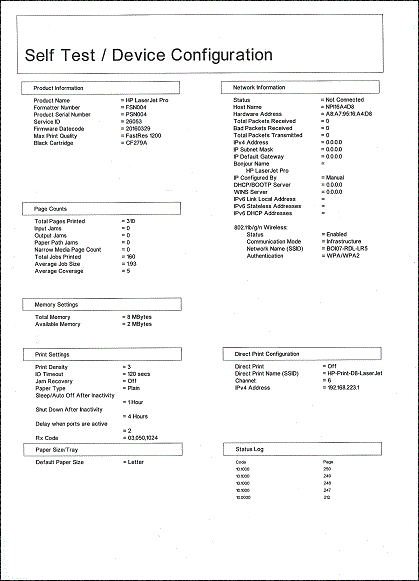
unable to set up wireless p1102w on mac
Options
- Mark Topic as New
- Mark Topic as Read
- Float this Topic for Current User
- Bookmark
- Subscribe
- Mute
- Printer Friendly Page
turn on suggested results
Auto-suggest helps you quickly narrow down your search results by suggesting possible matches as you type.
Showing results for

Guidelines
Seize the moment! nominate yourself or a tech enthusiast you admire & join the HP Community Experts!
Please log in to submit a nomination.
Thank you
Sorry, there was an error with your nomination, please try again.
Required fields can't be empty, please try again.







 , click Go in the top menu bar, click Applications, double-click the HP folder, and then double-click HP Utility.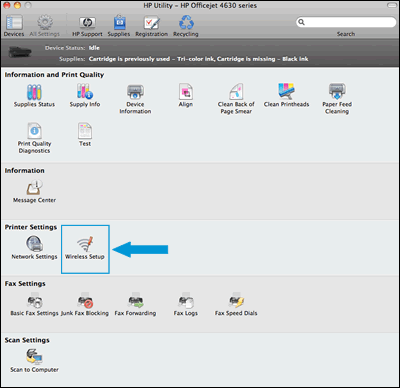
 to turn on the wireless radio. If the wireless light is on and solid, the printer is connected to the network. If the light is blinking, move the printer close to your wireless router, press the Wi-Fi Protected Setup (WPS) button on the router, and then wait until the wireless light is solid.
 to delete the printer, click the plus sign
  , click Add Printer or Scanner, click the printer name and then continue to the next step.
 until the Ready light
  blinks.