Is your HP DeskJet 3830 series scanner not working? Here is the solution Click here to view the instructions!
Create an account on the HP Community to personalize your profile and ask a question
Your account also allows you to connect with HP support faster, access a personal dashboard to manage all of your devices in one place, view warranty information, case status and more.
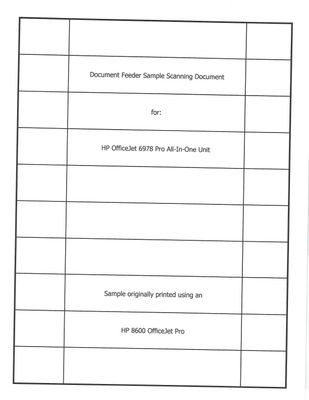
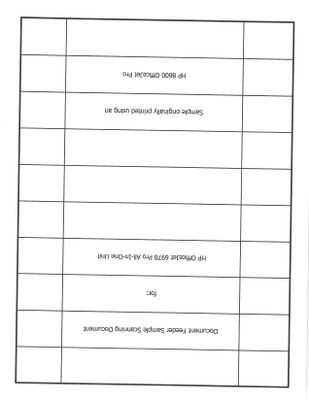
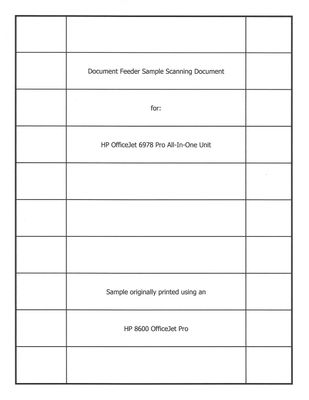
I've been scanning a lot of documents on my nearly-new HP 6978 OJ. Every scan I send to the lawyers is crooked, and that's embarrassing. Scanning dozens and dozens of documents using the glass isn't an option just to get straight scans.
I bought this unit just to help me with all the scanning I need to do, both for legal stuff having to do with my Mom (with short deadlines), and for my hobby of posting some of my 100-year-old documents and catalogs online for free download.
Having a document feeder that scans crooked every time is making more work for me, when it's supposed to save me work.
Please see the samples. Thanks in advance for your help.