• ×
    Information
    Need Windows 11 help?
    Check documents on compatibility, FAQs, upgrade information and available fixes.
    Windows 11 Support Center.
  • post a message
  • ×
    Information
    Need Windows 11 help?
    Check documents on compatibility, FAQs, upgrade information and available fixes.
    Windows 11 Support Center.
  • post a message
Guidelines
Here is the solution for the error: "Encryption Credentials have expired" when attempting to print or scan from Mac OS or iOS devices: Click here to view the troubleshooting steps!
Check some of the most frequent questions about Instant Ink: HP INSTANT INK, HP+ PLANS: INK AND TONER.


Check out our WINDOWS 11 Support Center info about: OPTIMIZATION, KNOWN ISSUES, FAQs AND MORE.
HP Recommended

Hi Bryan,

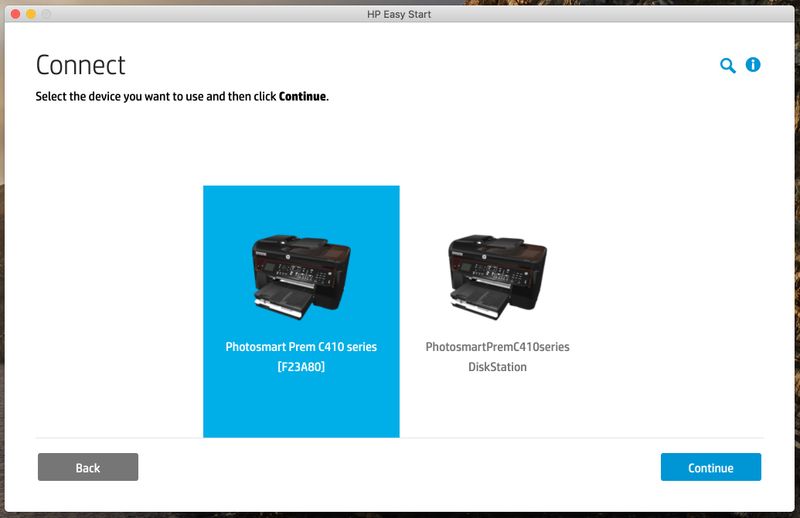
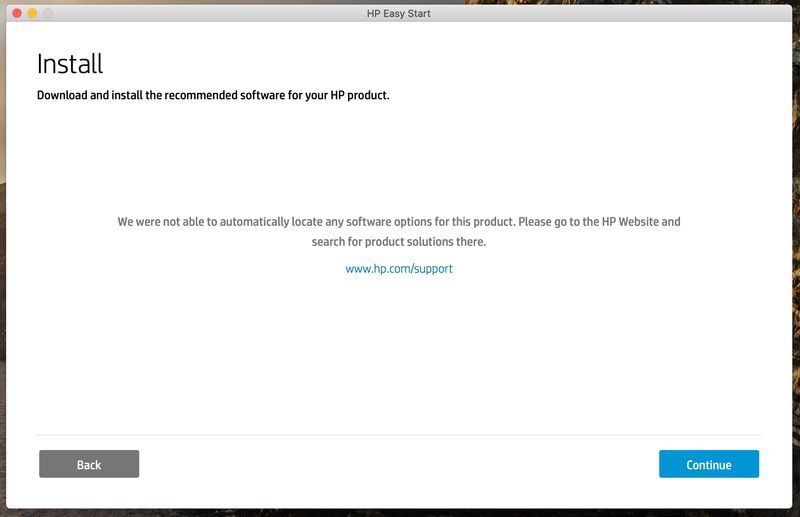
I had this idea as well and tried it before. I have however re-tried it for confirmation. Still no luck... the HP easy start service cannot find an appropriate driver for my printer 😪

Screenshot 2020-10-24 at 22.17.42.jpgScreenshot 2020-10-24 at 22.17.29.jpg

HP Recommended

Don't use the Easy Start or Easy Admin. After downloading and installing the package, use the driver you used previously.

HP Recommended

Thanks IB - that worked for me - manually dragging out the HP folder and and the HP driver from the Apple site seemed to make the difference.

HP Recommended

Bryan,


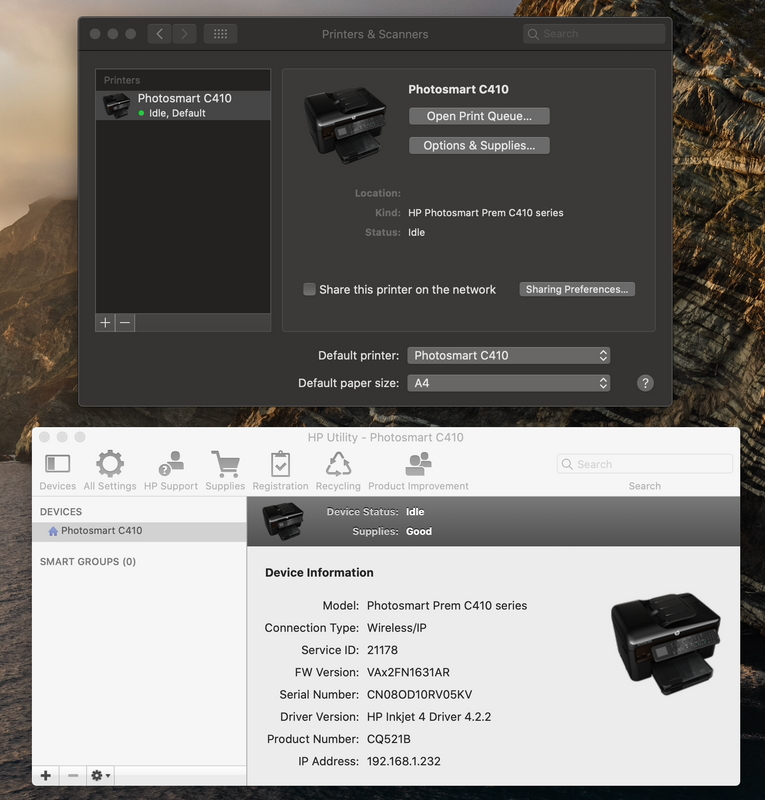
You made my day!!!! My printer is alive and kickin' again!!!! Yaaaay 🤗

  1. de-installed my printer in system preferences > printers & scanners
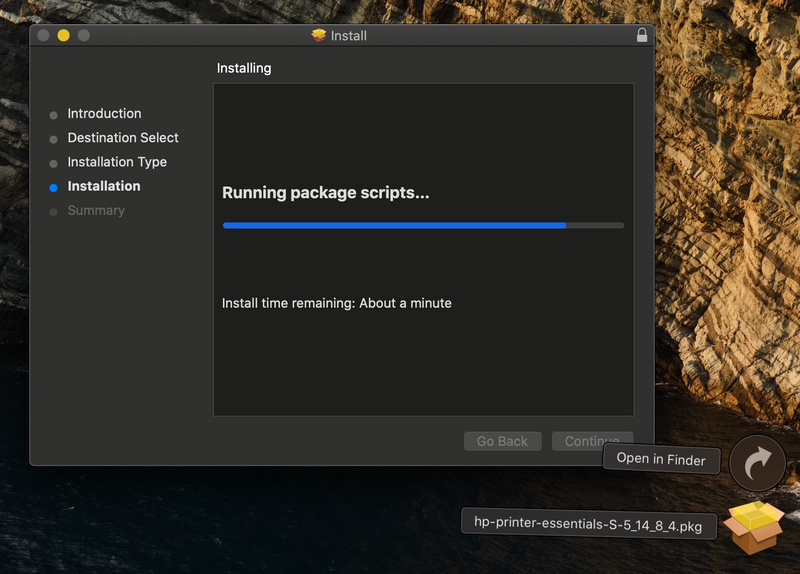
  2. downloaded and installed hp-printer-essentials-S-5_14_8_4.pkg
  3. re-installed my printer in system preferences > printers & scanners
  4. Printed

Thank you so much for your help on this, I really thought nobody would be interested in having an old printer run for a few more years !!! I am so happy !!! How did you find this FTP server location and pkg file???


Proof below:

Screenshot 2020-10-25 at 07.09.32.png

Screenshot 2020-10-25 at 07.37.03.png


HP Recommended

I found it in a deep dive through old support forums!

† The opinions expressed above are the personal opinions of the authors, not of HP. By using this site, you accept the <a href="https://www8.hp.com/us/en/terms-of-use.html" class="udrlinesmall">Terms of Use</a> and <a href="/t5/custom/page/page-id/hp.rulespage" class="udrlinesmall"> Rules of Participation</a>.