Here is the solution for Blue screen error 83C0000B on HP OfficeJet Pro 8010e, 9020e Printer Series: Click here to view.
Create an account on the HP Community to personalize your profile and ask a question
Your account also allows you to connect with HP support faster, access a personal dashboard to manage all of your devices in one place, view warranty information, case status and more.
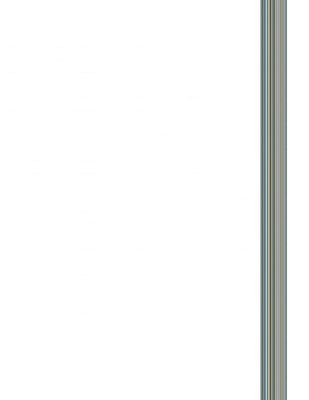
I am getting vertical lines every time I use the scanner on this OfficeJet Pro 7740.
I get the same lines whether I scan or copy, whether its in color or B&W, no matter what paper size the source or output is, and whether I use the top-feed or flatbed scanner.
Here is a scan of a blank sheet of paper:
What I have done so far:
1) Cleaned all of the glass (flatbed, and both sides of the duplexer).
2) Run a print head clean.
3) Run a print head alignment
4) Updated drivers and software of the computer and the printer.
5) Performed a factory reset of the scanning settings.
6) Performed a factory reset of the entire printer.
7) Unglugged the unit, left sit OVERNIGHT, held power button 30 seconds, plugged directly into wall outlet.
All of the posts I have read about simlar issues, it seemed that one of the above fixed the problem, but not in this case.
Not sure what else to try. What am I missing?!
P.S. - It prints just fine (wireless, USB, and eprint); this only happens when scanning/copying.